
SportsDevil is an unofficial add-on for Kodi which aggregates streams of sports games from all over the Internet. It has been around for a while, but it is still one of the most popular Kodi add-ons for live sports.
SportsDevil looks like this…


SportsDevil Kodi Add-on Details and Status
| Last Activity: | Status: | ||
| Add-on: | SportsDevil (2017.11.15.NL1115) | May 31, 2020 | Offline |
| Repo: | Golden Gun | May 31, 2020 | Offline |
| File Source: | https://kinkeadtech.com/repos (KinkeadTech) | Online | |
| GitHub Username: | Goldengunrepo | ||
| News: | version=”2017.11.15.NL1115″ (mirror@xvbmc) | ||
| Working? | |||
Other add-ons in the Golden Gun repo:
See all of the best Kodi streaming add-ons →
How to Install Golden Gun Repo Using the GitHub Browser
This is the easiest way to install SportsDevil if you already have the GitHub Browser add-on from TVAddons / Fusion.
If you want to use the GitHub Browser to install the Golden Gun repo, then follow my tutorial on how to install the GitHub Browser. After you have the GitHub Browser add-on installed, you can easily install the Golden Gun repo simply by searching for the GitHub username:
Goldengunrepo
After you have installed the Golden Gun repository, move on to learn how to install the SportsDevil add-on from the Golden Gun repo.
How to Install the Golden Gun Repo from the KinkeadTech File Source
- Go to Settings (cog icon) > File Manager
- Select Add Source

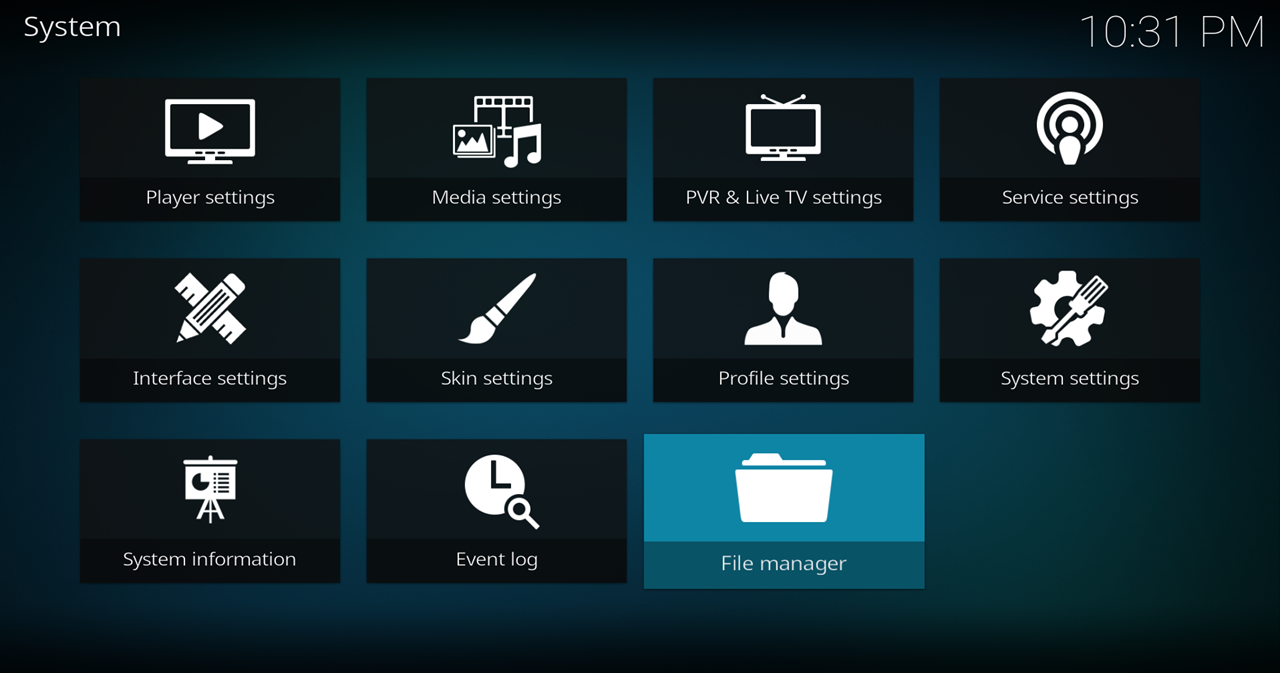
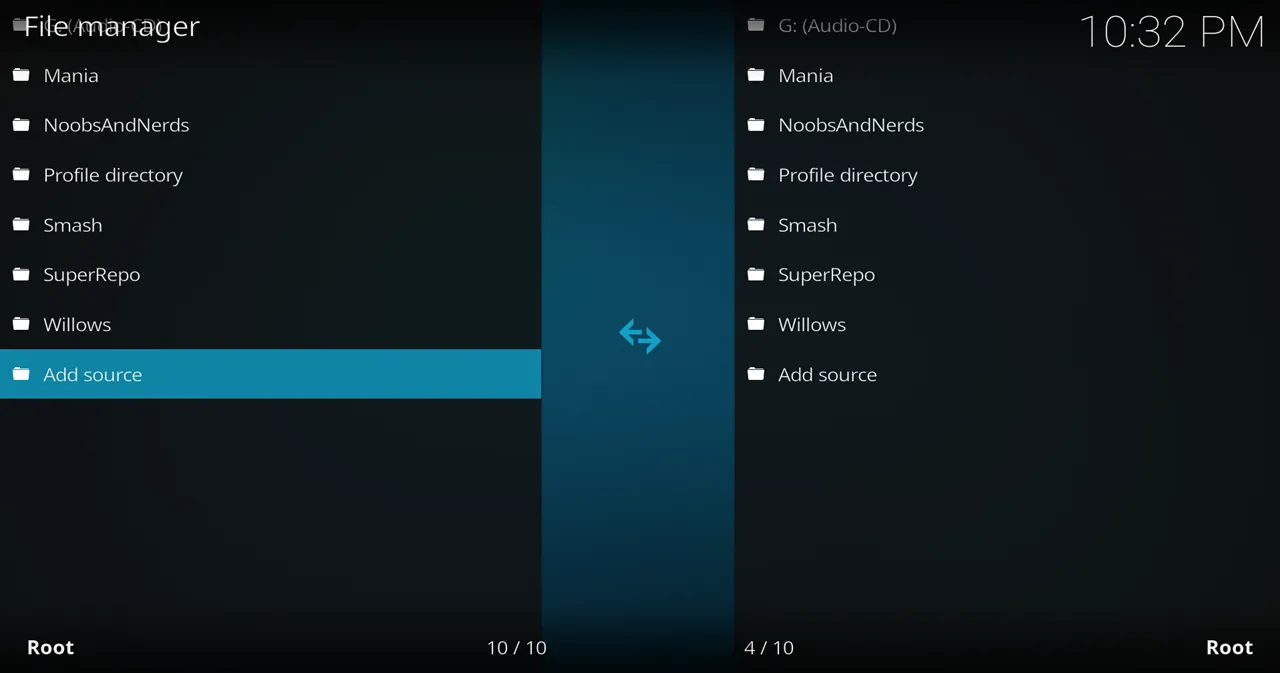
- Click on the <None> box and type in the URL of the repo server, exactly like this (case-sensitive):
https://kinkeadtech.com/repos
Hint: If you’re on a phone and the URL is too long, swipe sideways.
- Give it a name in the box below (name it KinkeadTech)

- Now, go to the Settings > Add-ons > Install from Zip File > KinkeadTech > repository.goldengun-x.x.x.zip
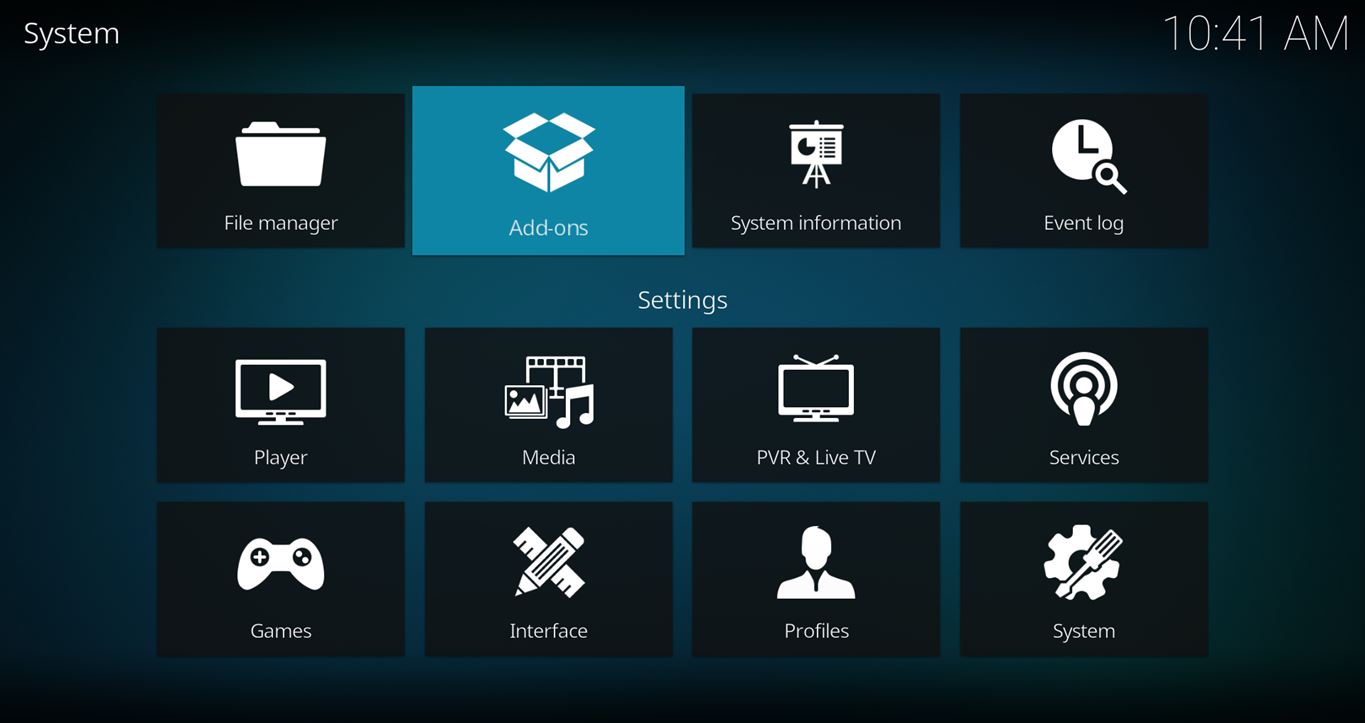


How to Install the SportsDevil Add-on From the Golden Gun Repo
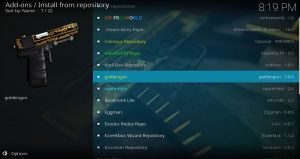
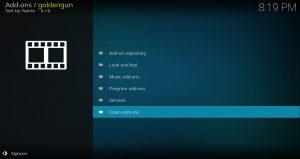
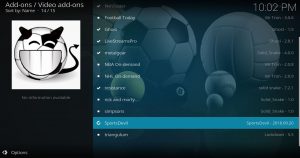
- After you have the Golden Gun Repo installed, go back to the Settings > Add-ons screen and select Install from Repository > Golden Gun Repo > Video add-ons > SportsDevil > Install
Any Questions? Let me know
Thanks for coming to Kinkead Tech to learn how to install SportsDevil on your Kodi. If you enjoy my tutorials, please subscribe to my weekly email.
If you run into any issue when trying to install SportsDevil, please let me know in the comments below. I love to help. Thanks.


I used to use SD quite a bit but the links don’t seem to work as often now, for American sports anyway. Thanks for the blog and especially the Kodi help.
I agree. I’m looking for a better, more reliable solution. Something like Real-Debrid for live sports.
Hi, Thanks for the instructions, I have downloaded Sports Devil following the instructions but I keep getting no stream available or sometime not even that, any ideas?
Yeah, me too. It’s hit or miss, but most often miss when it comes to trying to stream sports on Kodi. I’m still waiting to find a good solution out there.
Thanks Nathan, at least I know I’m not doing anything wrong