
The Kodzi add-on for Kodi is a new easy add-on installer which is a great alternative to TVAddons’ GitHub Browser add-on (especially when their GitHub browser is not working).
Kodzi (also spelled like KodzI with a capital I) stands for The Kodz Installer because it is an alternative add-on installer for Kodi developed by u/Mrkodz.
This fantastic add-on installer offers several different ways to install add-on. You can use ever method you find the most convenient.
- Install add-ons via Website URL
- Install add-ons via Lists URL
- Install add-ons via GitHub

Kodzi Kodi Add-on Details and Status
| Last Activity: | Status: | ||
| Add-on: | Kodzi (1.0.1) | Feb 24, 2019 | Online |
| Repo: | The Kodz | Feb 24, 2019 | Online |
| File Source: | https://kinkeadtech.com/repos (KinkeadTech) | Online | |
| GitHub Username: | mrkodz | ||
| Working? | |||
See all of the best Kodi streaming add-ons →
How to Install The Kodz Repo Using the GitHub Browser
This is the easiest way to install Kodzi if you already have the GitHub Browser add-on from TVAddons / Fusion.
If you want to use the GitHub Browser to install the The Kodz repo, then follow my tutorial on how to install the GitHub Browser. After you have the GitHub Browser add-on installed, you can easily install the The Kodz repo simply by searching for the GitHub username:
mrkodz
After you have installed the The Kodz repository, move on to learn how to install the Kodzi add-on from the The Kodz repo.
How to Install the The Kodz Repo from the KinkeadTech File Source
- Go to Settings (cog icon) > File Manager
- Select Add Source

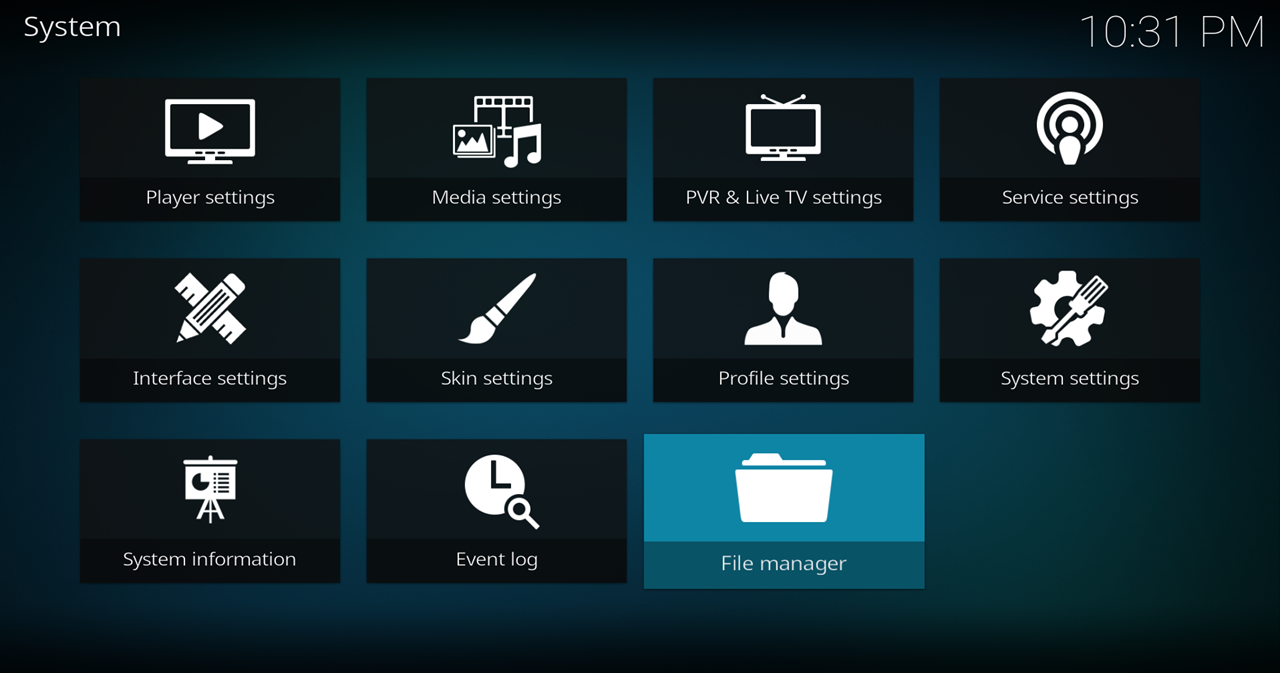
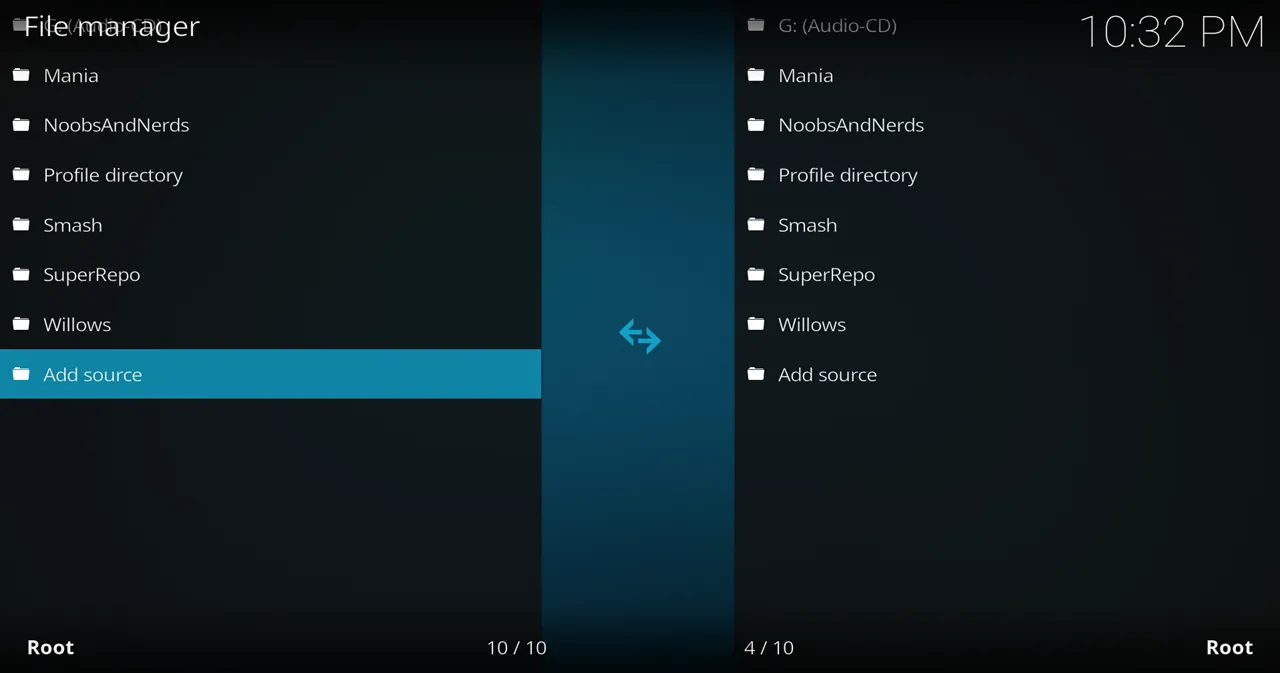
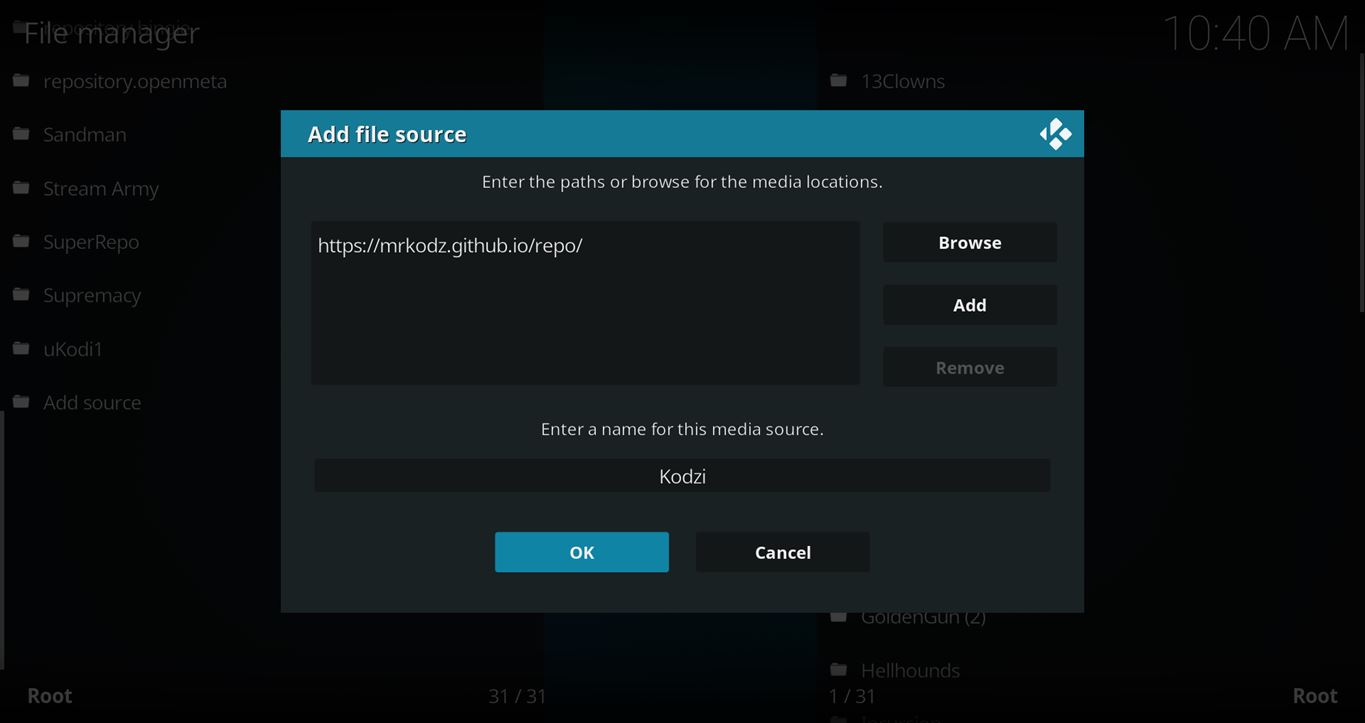
- Click on the <None> box and type in the URL of the repo server, exactly like this (case-sensitive):
https://kinkeadtech.com/repos
Hint: If you’re on a phone and the URL is too long, swipe sideways.
- Give it a name in the box below (name it KinkeadTech)
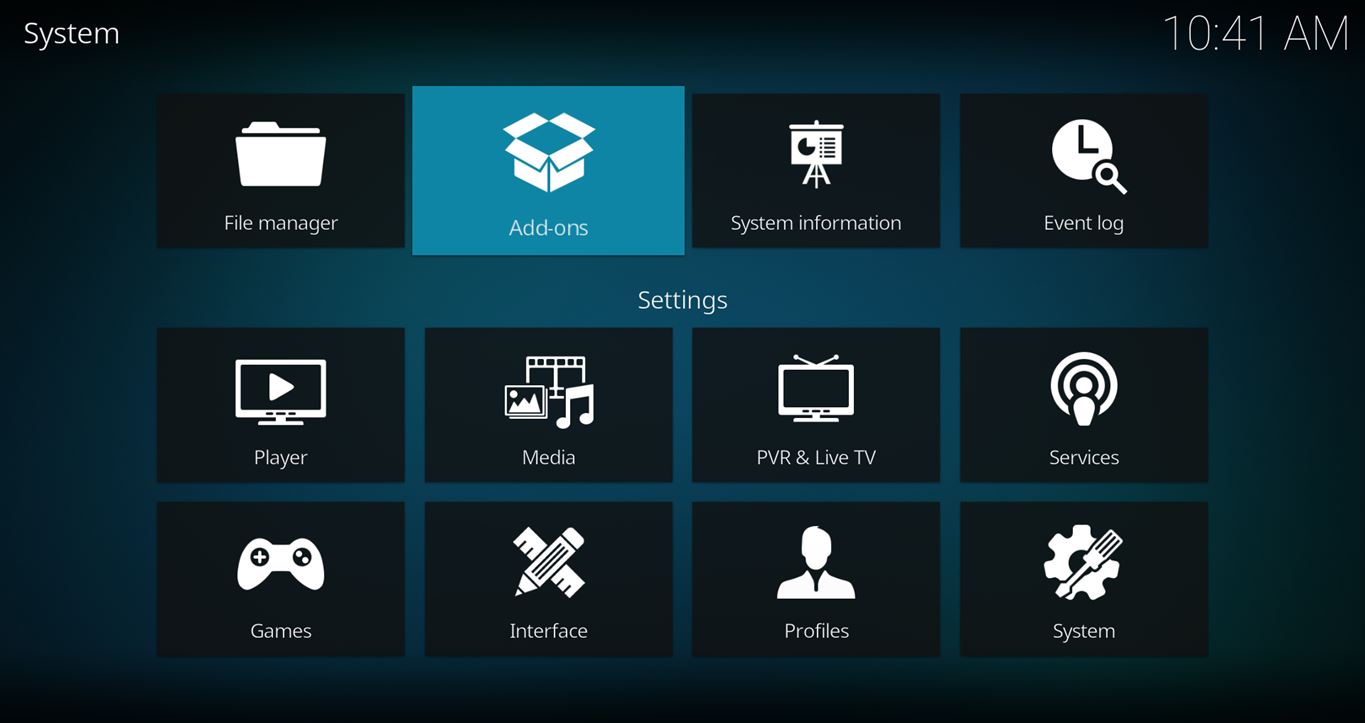
- Now, go to the Settings > Add-ons > Install from Zip File > KinkeadTech > repository.thekodz.zip

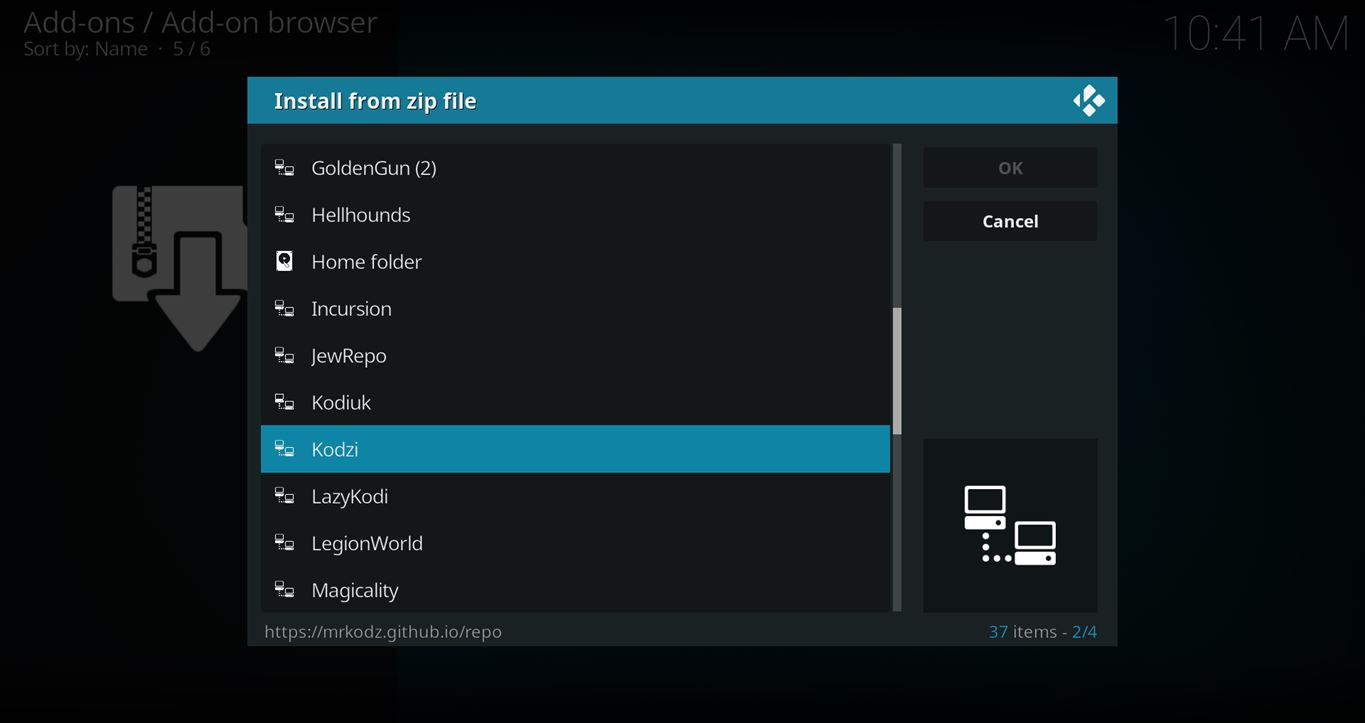
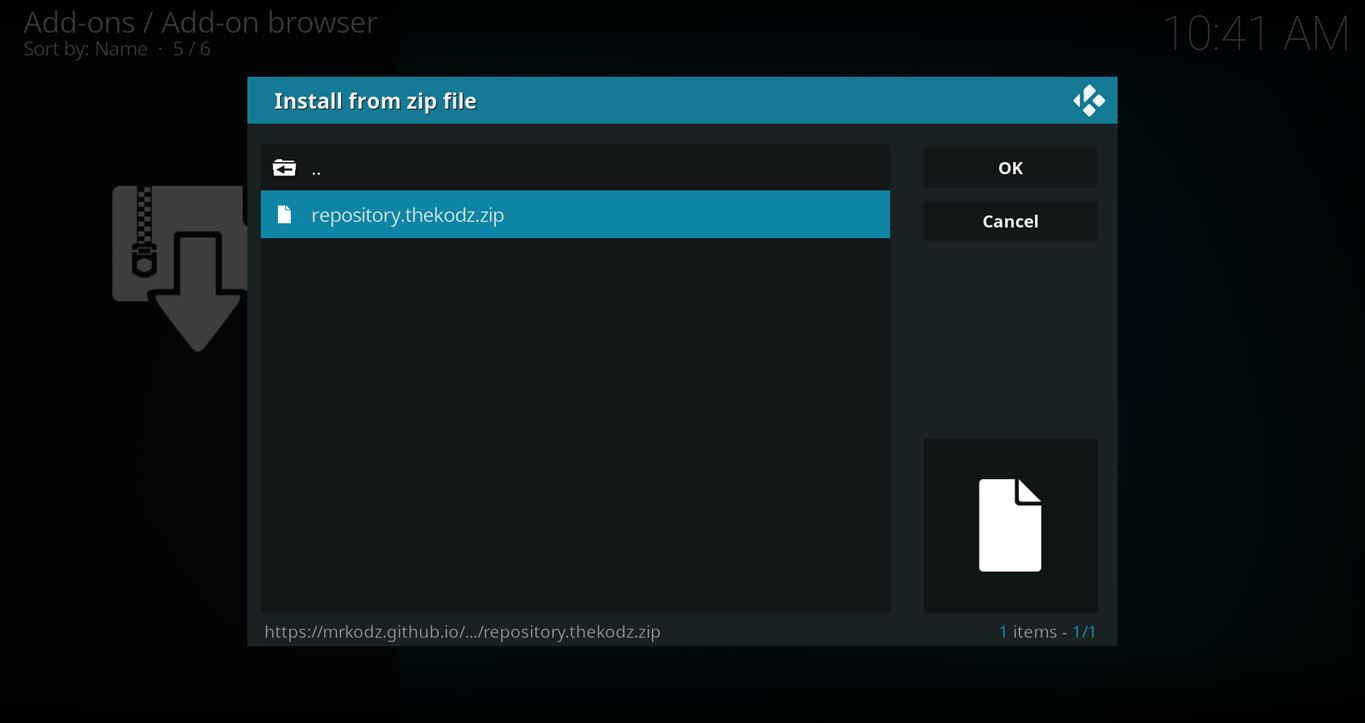
How to Install the Kodzi Add-on From the The Kodz Repo
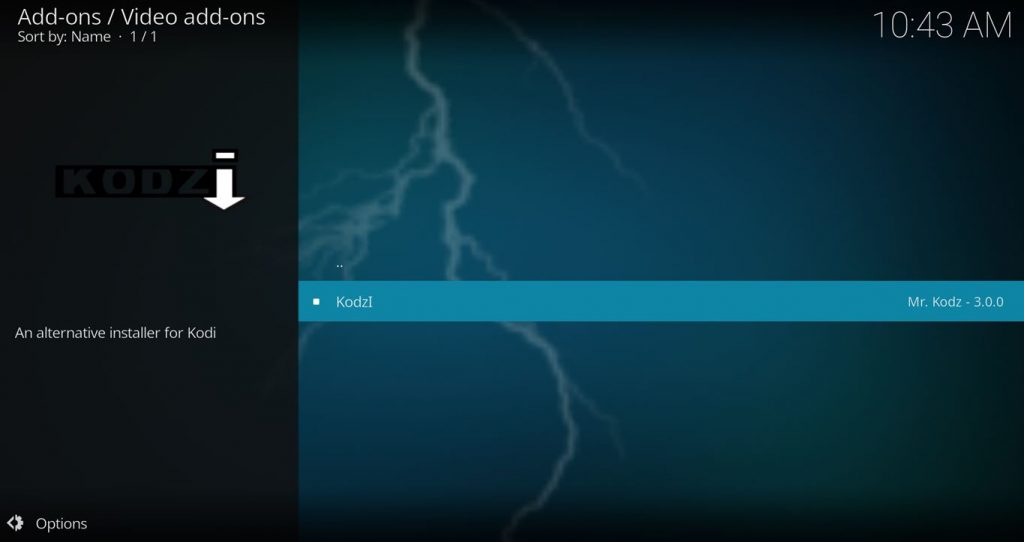
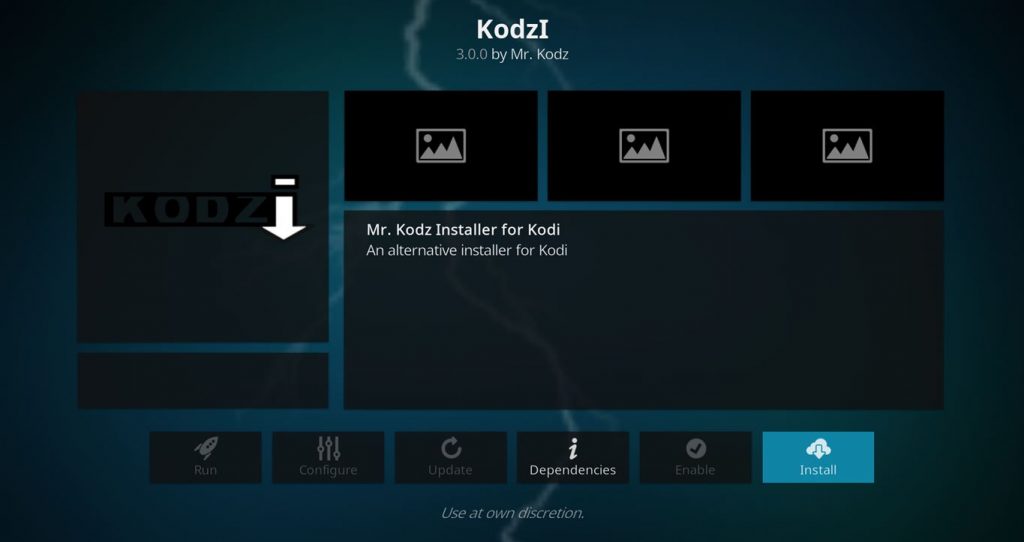
- After you have the The Kodz Repo installed, go back to the Settings > Add-ons screen and select Install from Repository > The Kodz Repo > Video add-ons > Kodzi > Install
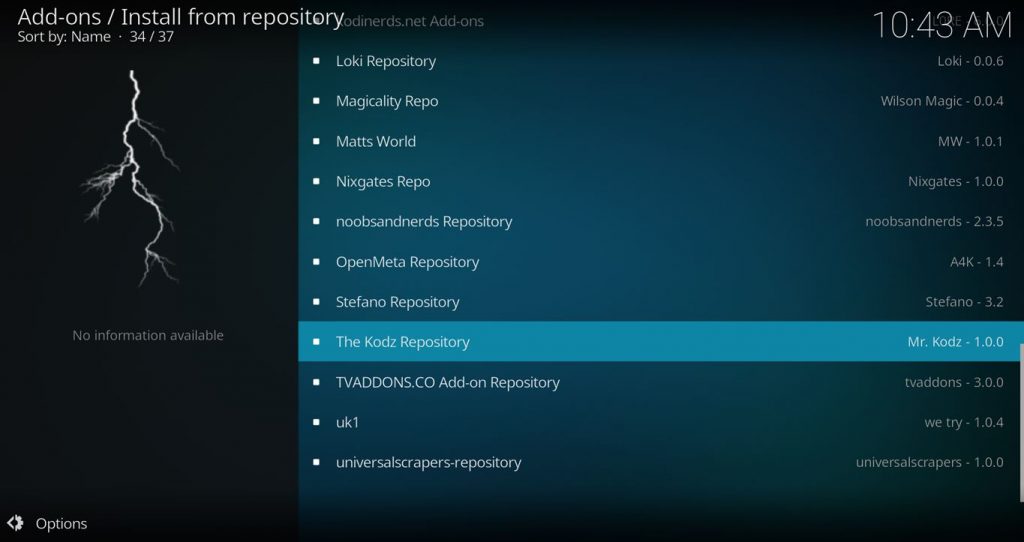
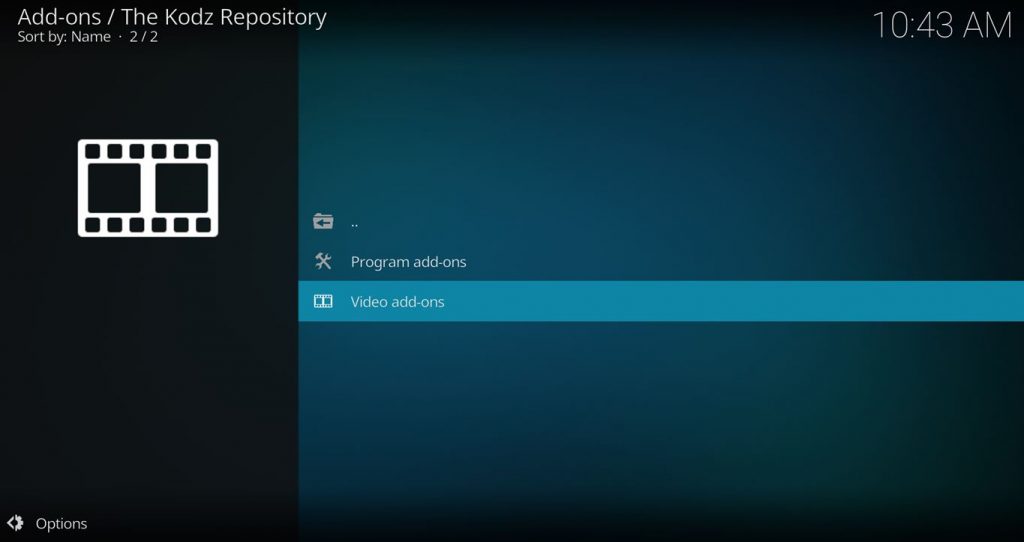
Ok, Installed. Now What?
Here’s the most comprehensive list of GitHub usernames Kodi add-ons.

Using the Kodzi GitHub Search Feature
When you use the Search GitHub feature, you can search by username or just search whatever you want.
Kodzi allows you to actually browse all the folders and files in GitHub repositories so you can find what you’re looking for.
Find a zip file for a Kodi repo or add-on, and select it to install it.
If the add-on was already installed, it will ask if you want to be directed to that add-on or repo within Kodi.
Any Questions? Let me know
Thanks for coming to Kinkead Tech to learn how to install Kodzi on your Kodi. If you enjoy my tutorials, please subscribe to my weekly email.
If you run into any issue when trying to install Kodzi, please let me know in the comments below. I love to help. Thanks.



When I try git hub for mrkodz it comes back as cannot connect also on the I the url link it is ‘cannot connect. I use a VPN could this be the problem?
Are you saying that you’re trying to install Kodzi using a different Github browser add-on?
Or, we’re you able to install Kodzi, but you’re having trouble using it to search Github?
it doesn’t work with kodi versions 19, I’m trying it on 19.3 and it says there is a missing dependency that it doesn’t work with this version of python.
Is there another github installer other than those made by or distributed by tvaddons? I’m trying to make a new build without any tvaddon stuff which will break others like crew which are excellent addons.
Thanks!
Can’t get fen to work period please help me