
Are you trying to figure out the easiest way to download some TV shows or movies onto your phone for free so you can watch them offline, maybe on an airplane?
Well, I’m sitting here at my gate in the airport waiting for my delayed flight. What I need is something to watch on the plane. When I had a Netflix subscription, I used to just download some videos on there, but I cancelled that. So what to do now?
I initially tried using Kodi as I know I can download using some add-ons, but then I thought about seeing what the Wako app could do.
I was pleasantly surprised by how easy it was to do using just the Wako app!
Install the Wako App
Search the Google Play Store or Apple App Store for “wako” and install it.
Install the Helios Wako Add-on
Once Wako is installed, open it, authorize your Trakt account if you want to (I love it), and then go into the settings.
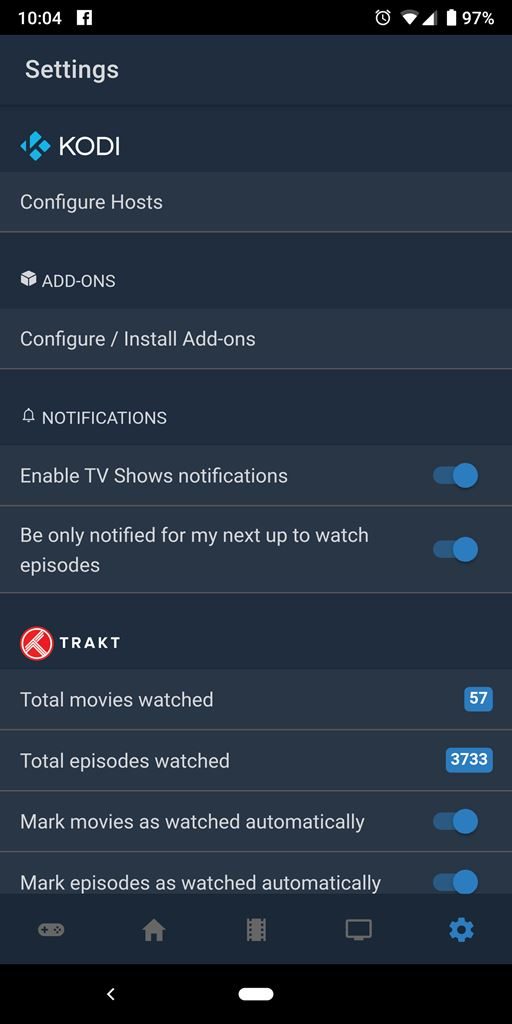
In the Wako settings, tap on “Configure / Install Add-ons“.
Toggle “Unknown Sources” on.
Tap on “Add a third-party add-on“.
Enter the URL,…
https://raw.githubusercontent.com/wako-unofficial-addons/helios/master/dist/manifest.json
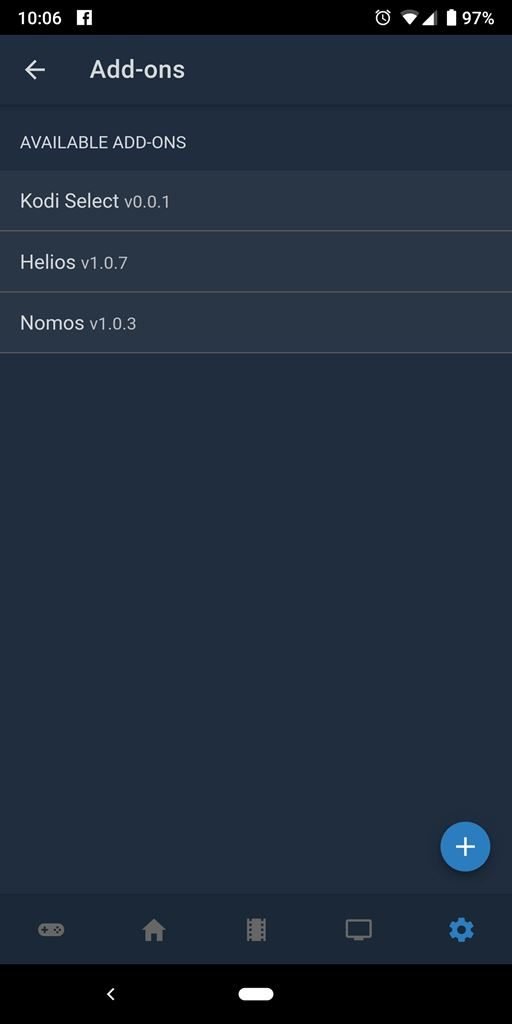
Configure the Wako Helios Add-on
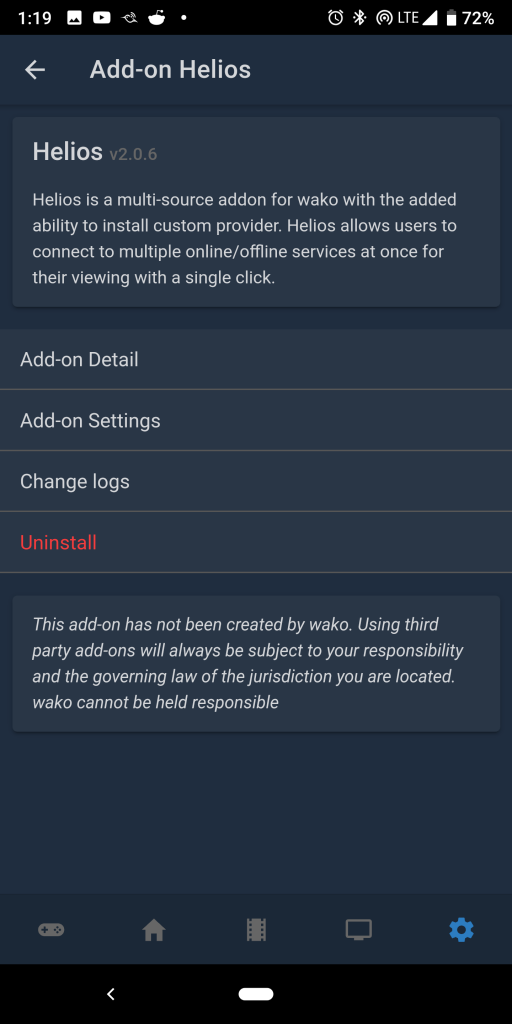
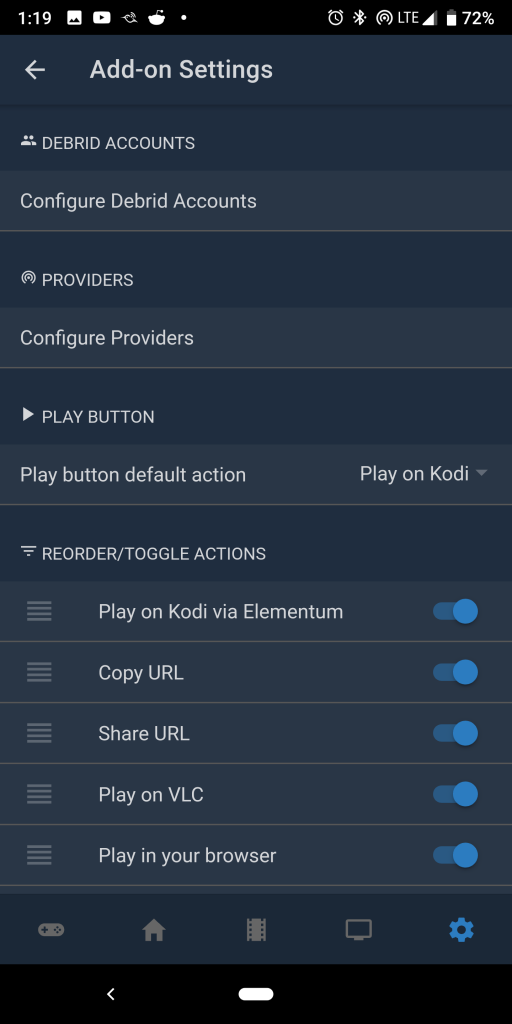
After installing the Helios add-on in Wako, tap on it, and then tap on “Add-on Settings“.
Here, in the Helios add-on settings, you have 2 things to do…
- Configure Debrid Accounts
- You can authenticate your Real-Debrid account or Premiumize account to get access to high quality, high bandwidth streams
- This is optional if you don’t have a debrid account, but it’s totally worth it.
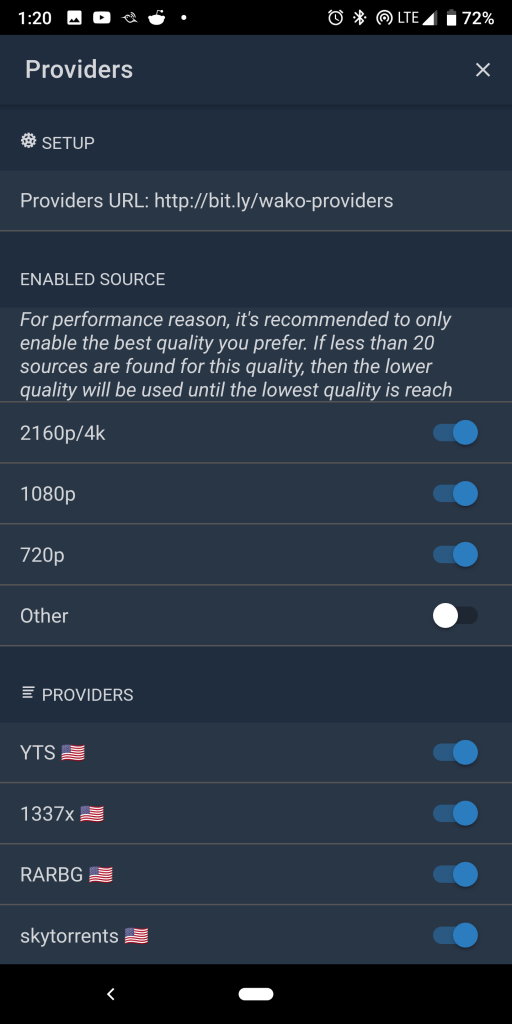
- Configure Providers
- Enter the Providers URL…
https://pastebin.com/raw/Z4k2axVk
- Enable only the video sizes you want to choose from.
- Enter the Providers URL…
Select Video, Search for Sources, and Download
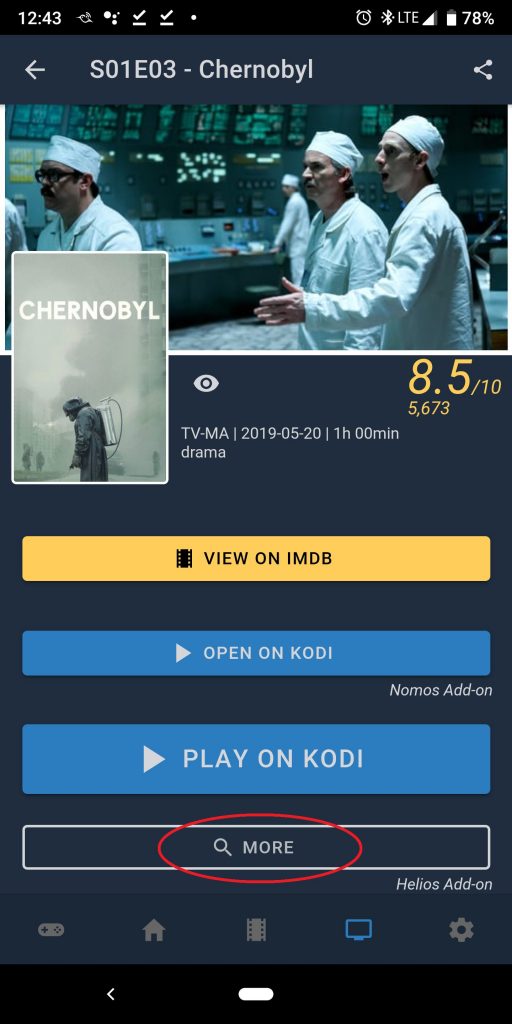
Now that you’re all set up, go find a TV show episode or a movie, and click on the “More” button on the bottom.
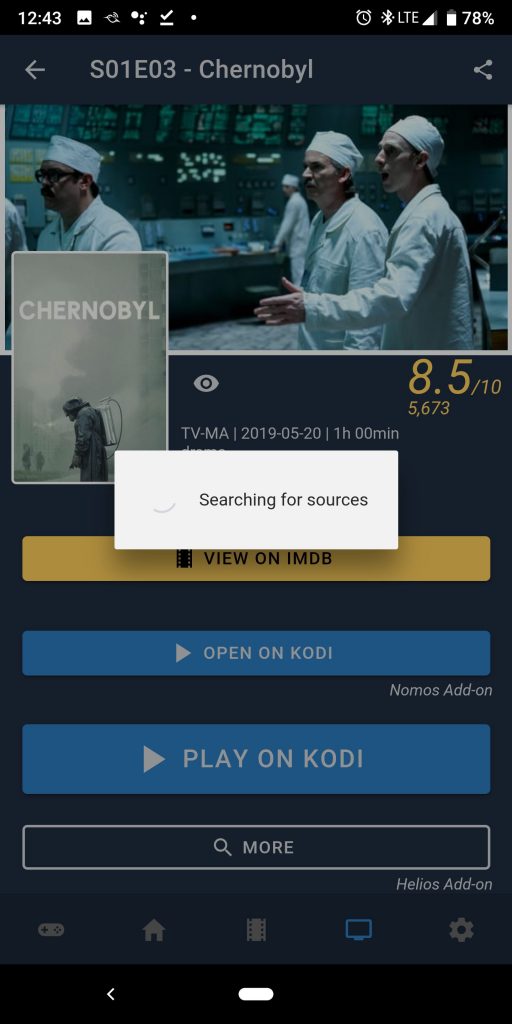
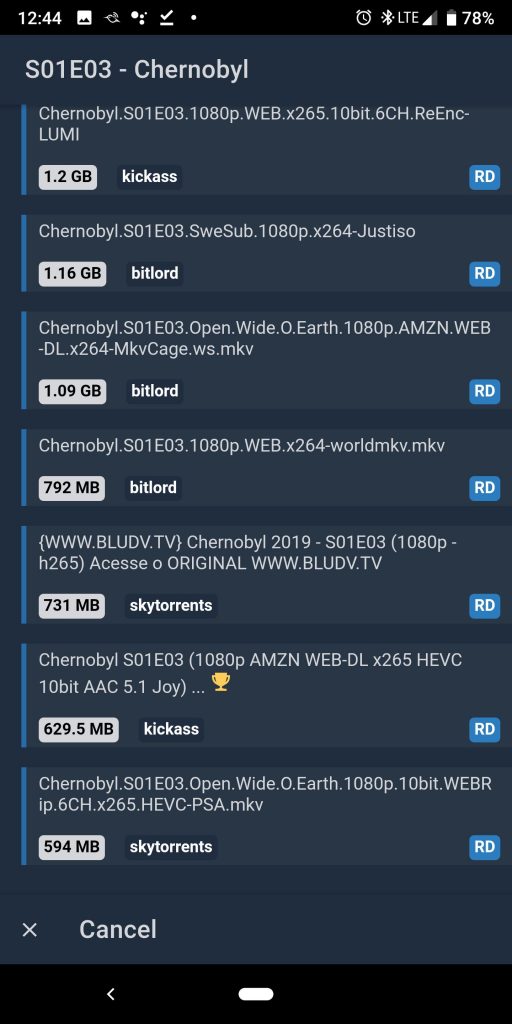
It will start searching for sources and then display the list for you.
Pick which source you want to use. For my phone, I usually go to the bottom of the 1080p category to find the one with the smallest file size (since it’s just on my phone)
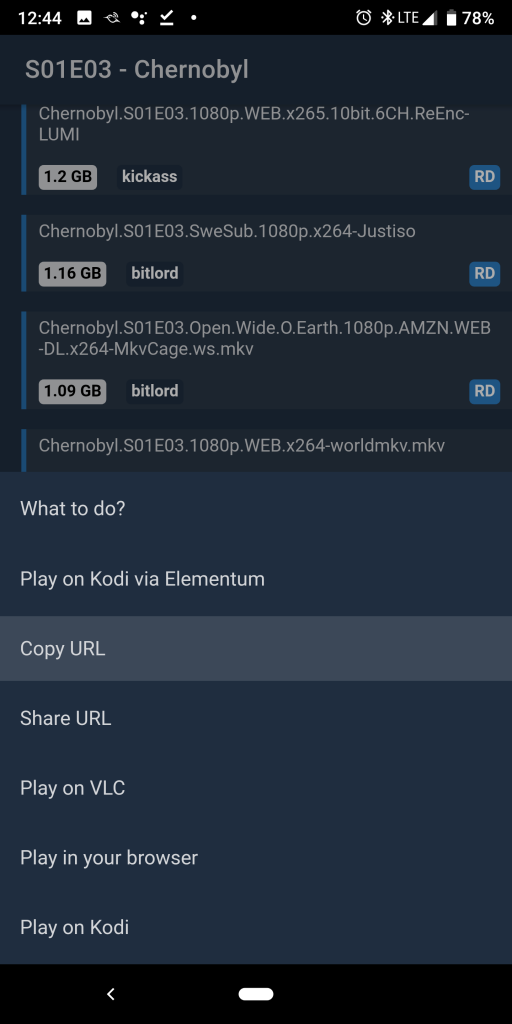
When you select a source, a menu will slide up from the bottom with a list of “What to do?”
If you just want to stream the show on VLC or on a nearby Kodi, those options are there.
But, if you want to download the video to your phone, tap on “Copy URL“.
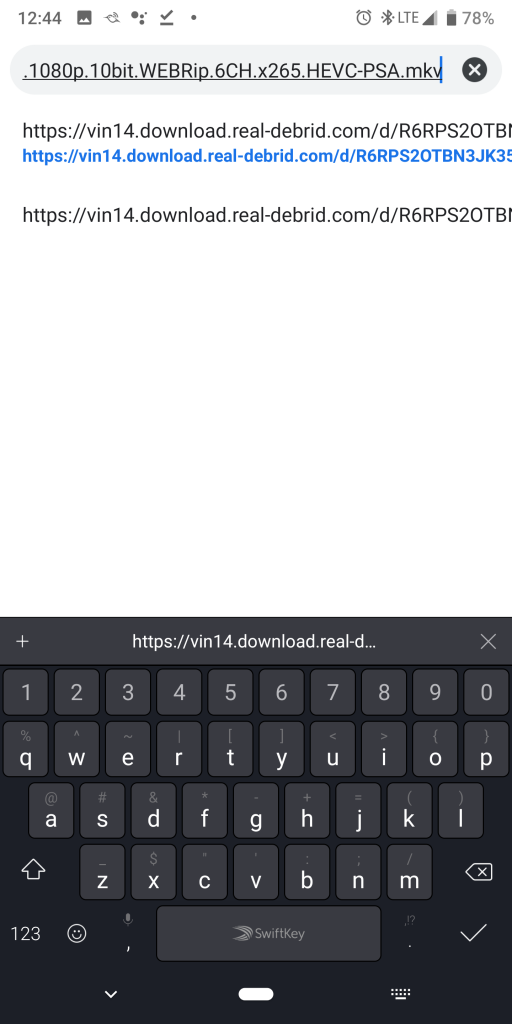
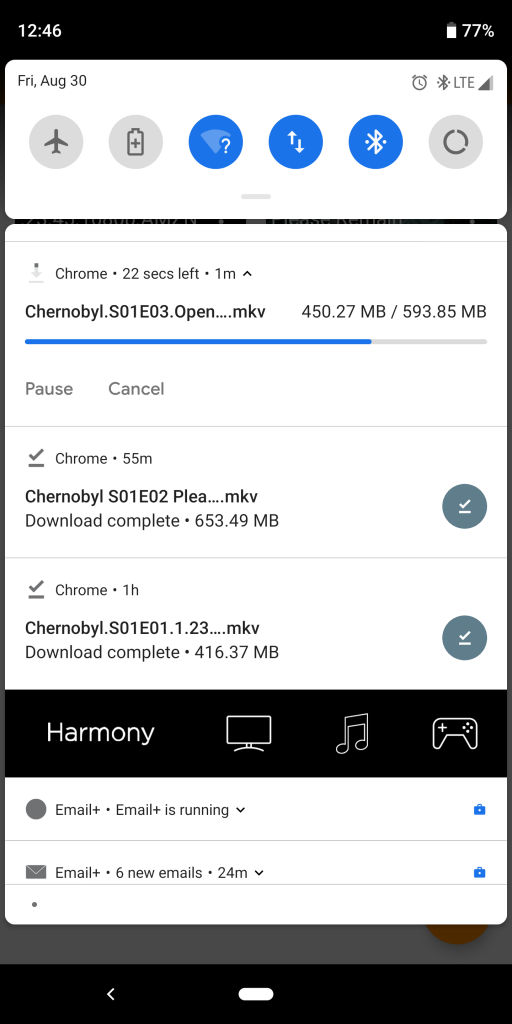
Now, switch over to your web browser (like Chrome for instance), and paste the URL in the address bar and hit enter. The video will immediately start downloading into your “Downloads” folder, and you will see the download progress in your notifications area.
Watch Your Downloaded Videos
Once your videos are downloaded, you can use whatever local media player app you would like to play them.
I personally really like using the VLC app. If you use it, take a look through the settings because they have some nice features to enable like Picture-in-Picture background playback.
Enjoy!
I was pretty excited to find this little gem of a feature in the Wako app. It sure beats the clunky experience of using Kodi on a phone. Let me know what you think in the comments.


when i click to playouy a tv show,apopup keeps asking for a github account.Could you tell me what im doing wrong
Wako is asking for a Github account? That’s doesn’t make sense. It may ask you to authorize your Trakt account or your Real-Debrid account, but I have no idea why it would ask you for your Github account. Did you install the providers URL mentioned on this tutorial?
I did install that url.It was fasthub asking for github account number.I’ve uninstalled fasthub,but still can’t get anything to play on any link that it puts up.What should it show in settings ,”play button default action”tab
The “play button default action” setting doesn’t make a difference if you tap on the “More” button under the big blue (default) button on a show or movie.
If none of the sources play, then maybe your Real-Debrid subscription has expired and you need to renew it.
In my last comment i should have mentioned to watch in wako its self.
Seems the providers list (pastebin link) has been removed. Could you post a working one?
Here’s the new one https://pastebin.com/raw/Z4k2axVk
Thank you. Are you gonna update the url on the tutorial too?
I did. Do you not see the updated Providers URL in the tutorial?
Is there a new provider url for the Kodi add-ons in the nomos add-on? The old Pastebin also doesn’t work. I just want to run things through Serena. Thanks
The Nomos add-on just opens the links on Kodi. Are you referring to the Providers URL for the Helios add-on in Wako? I updated that pastebin link a couple weeks back.
I was referring to nomos, I liked having wako link directly to Seren on Kodi so I’m effectively using Seren with a remote and easy to navigate UI. I am not referring Helios, the new provider url you gave is working perfectly. I had nomos set up previously but after formatting my phone I can no longer use that old url
Ah, you’re looking for the Plugins URL in the Nomos Wako add-on settings? Yes, it seems like the old one doesn’t work and nobody’s publishing the new one. You just have to have someone DM you the link on this Reddit thread… https://www.reddit.com/r/Addons4Wako/comments/jax60t/nomos_plugins_url_link/
Awesome! That thread didn’t exist when I originally asked this question, thanks so much for the link
Yeah, I like helios but subtitles is broken so now have to turn to nomos