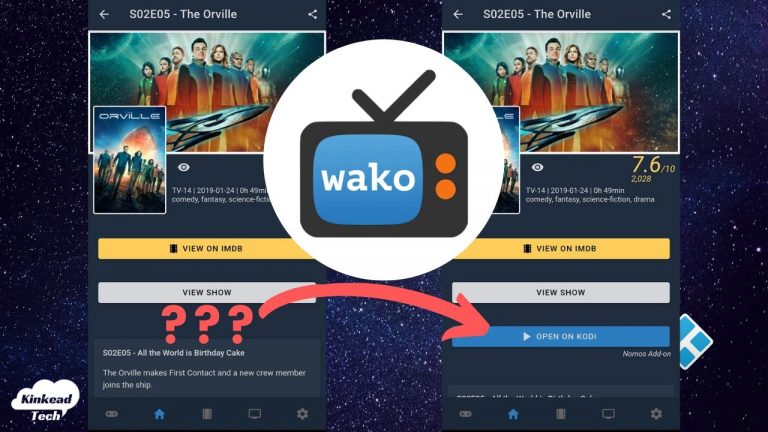
I’ve been a huge fan of wako recently. This app just makes it so easy to find and start playing what you want on Kodi without actually touching Kodi at all (besides turning it on).
But, recently I discovered that the play button disappeared. It seemed like the app was just broken or something.
Well, it’s not broken. The wako app just had a big update and introduced a new add-ons feature in wako.
They moved that “Open on Kodi” feature to an add-on that you just need to install. Here’s how to do it.
How to Install the Nomos Wako Add-on to Enable the Open on Kodi Button
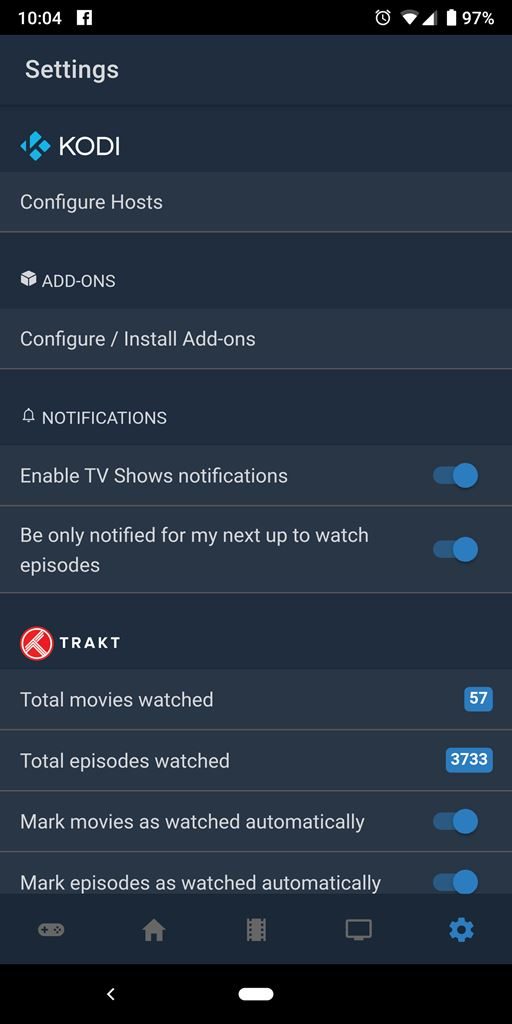
- In the wako app, tap on the setting cog in the bottom right corner.
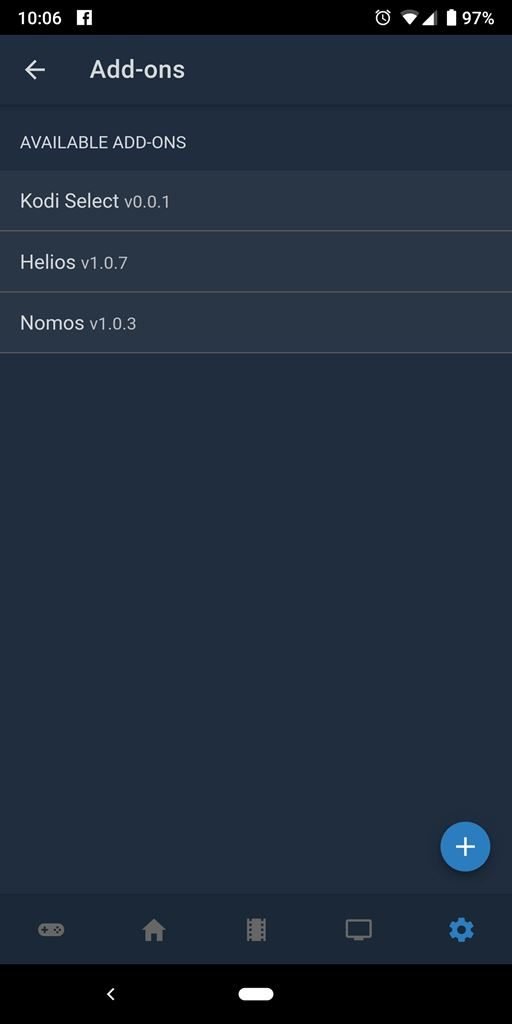
- Tap on “Configure / Install Add-ons”
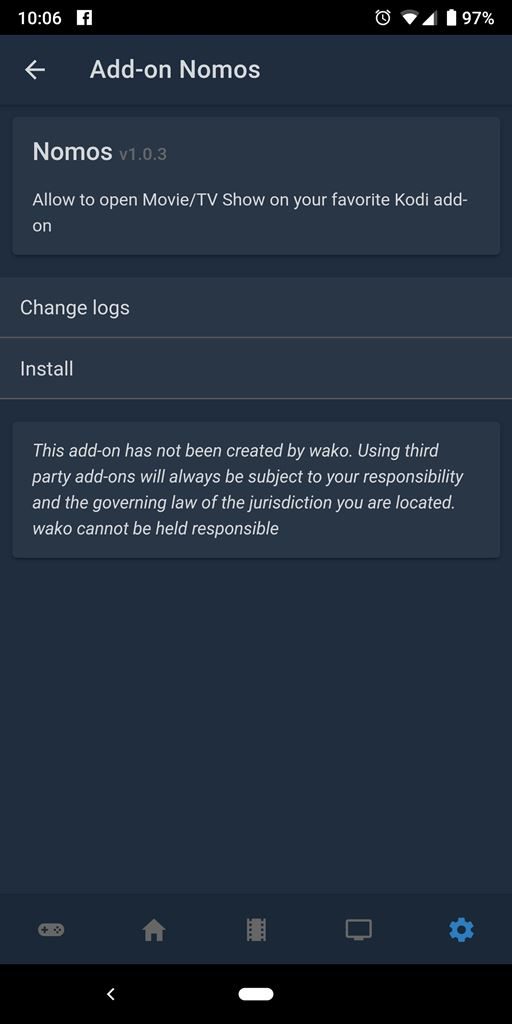
- Tap on “Nomos”
- Tap on “Install”
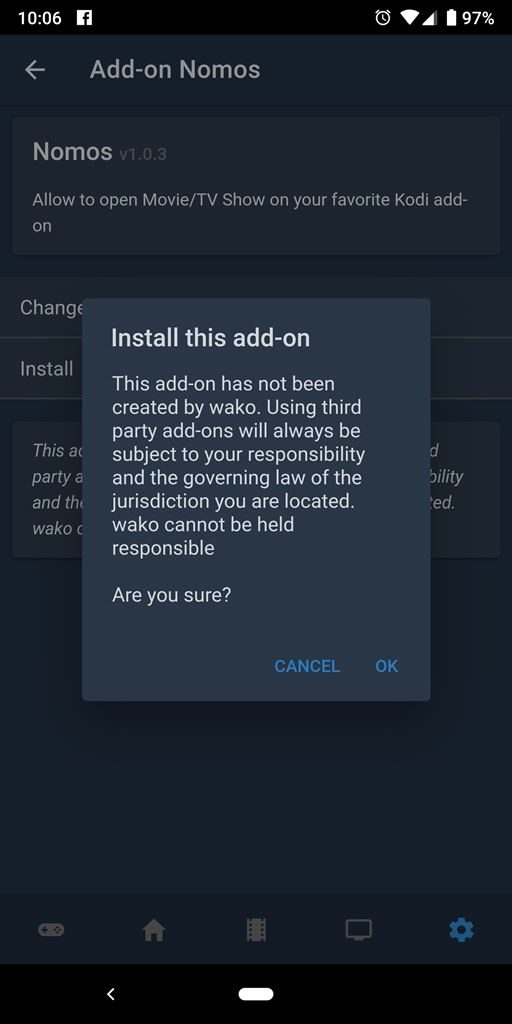
That’s it! Now, go to the TV show episode or movie that you wanted to watch, and (if your Kodi host is still configured in the wako settings) you will see the button to open on Kodi.


Thanks Nathan, got it to work, great app I like it
Agreed!