
The OpenWizard Kodi add-on, developed by drinfernoo, is a program add-on built for maintenance, backups, and builds. It’s a great utility add-on that everyone should have available in case you need to clean up some bad add-ons or if you’re interested in builds.
Here’s a quick peak at the inside of OpenWizard…

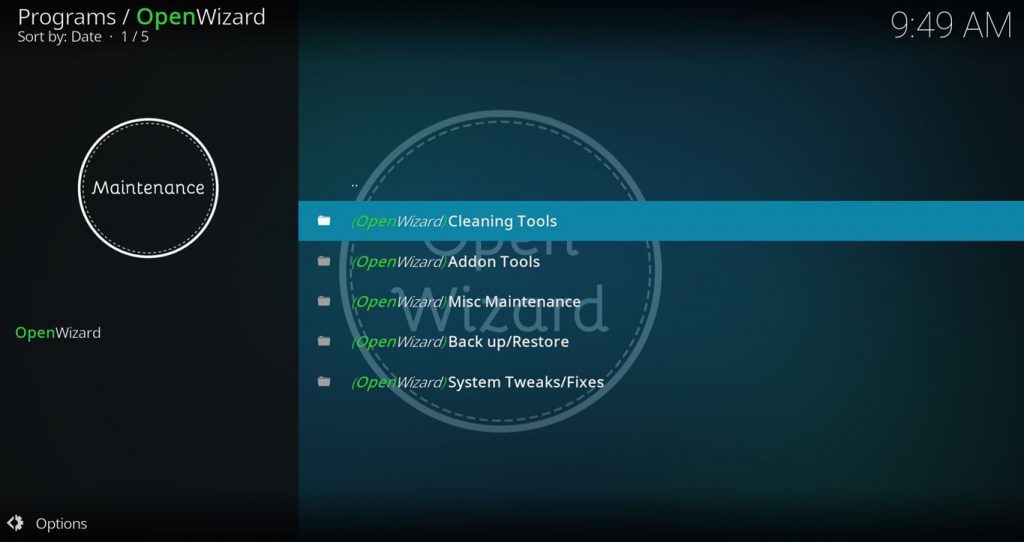
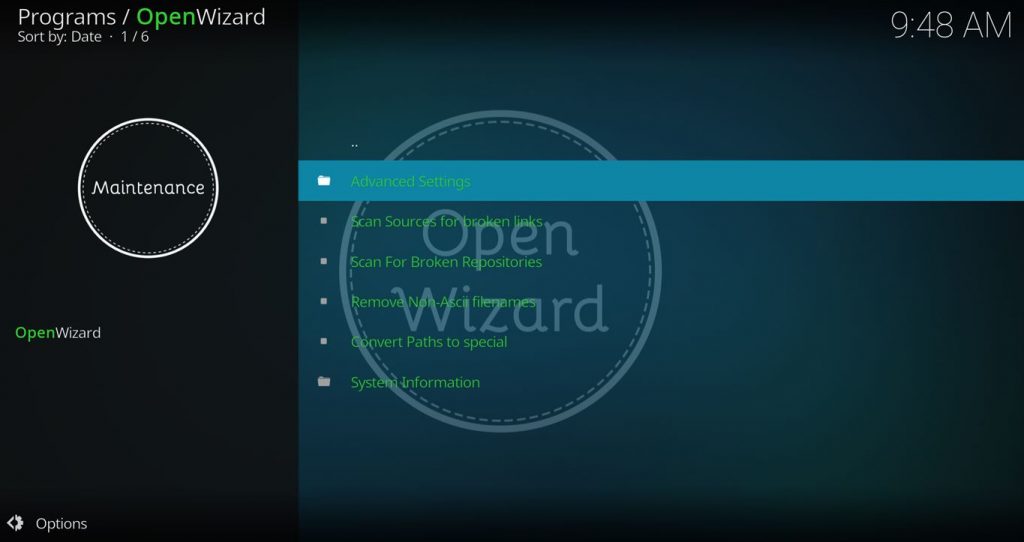
OpenWizard Kodi Add-on Details and Status
| Last Activity: | Status: | ||
| Add-on: | OpenWizard (1.1) | Oct 14, 2021 | Online |
| Repo: | OpenWizard | 20211014 | Online |
| File Source: | https://kinkeadtech.com/repos (KinkeadTech) | Online | |
| GitHub Username: | a4k-openproject | ||
| Working? | |||
See all of the best Kodi streaming add-ons →
How to Install OpenWizard Repo Using the GitHub Browser
This is the easiest way to install OpenWizard if you already have the GitHub Browser add-on from TVAddons / Fusion.
If you want to use the GitHub Browser to install the OpenWizard repo, then follow my tutorial on how to install the GitHub Browser. After you have the GitHub Browser add-on installed, you can easily install the OpenWizard repo simply by searching for the GitHub username:
a4k-openproject
After you have installed the OpenWizard repository, move on to learn how to install the OpenWizard add-on from the OpenWizard repo.
How to Install the OpenWizard Repo from the KinkeadTech File Source
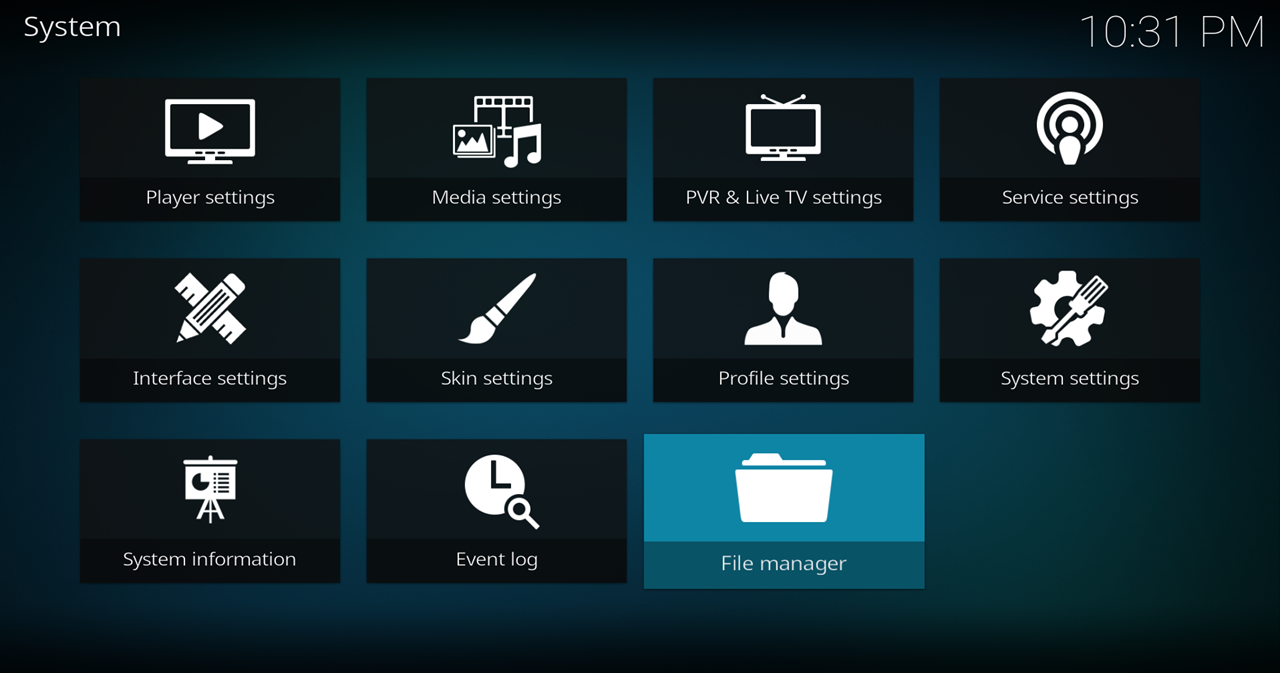
- Go to Settings (cog icon) > File Manager
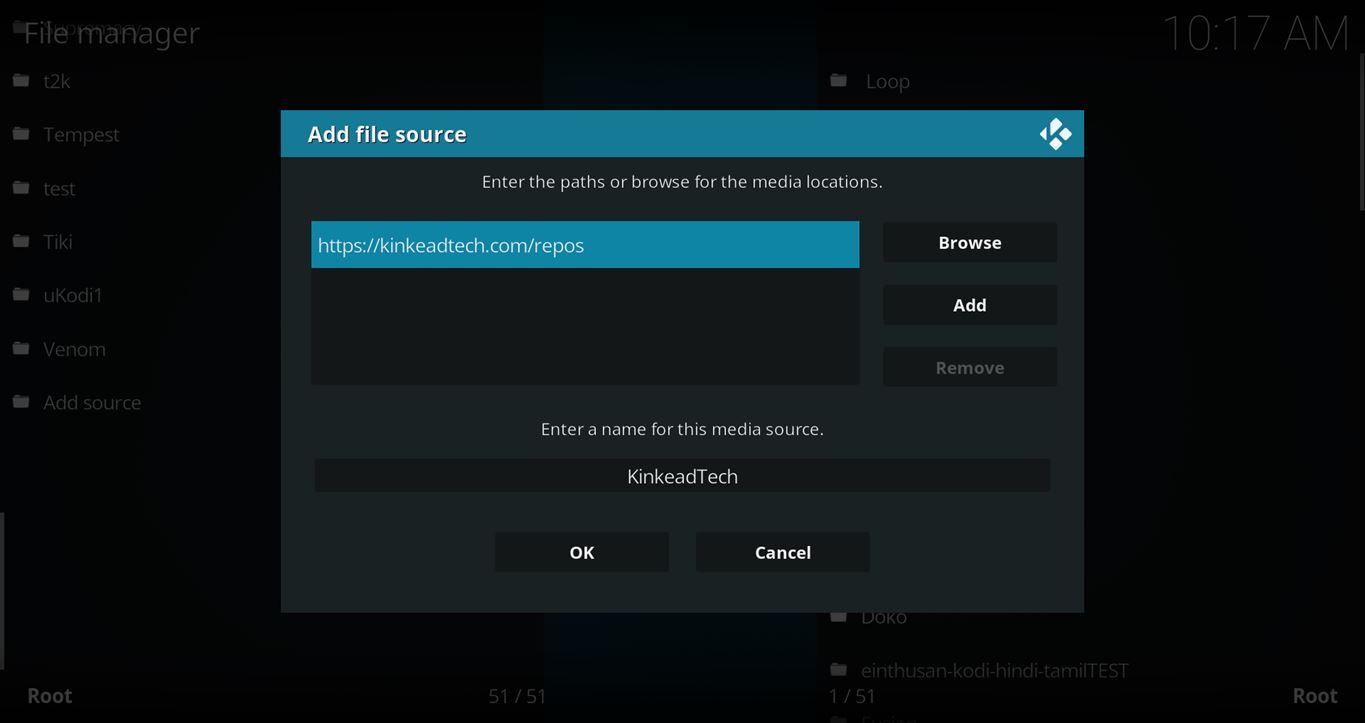
- Select Add Source

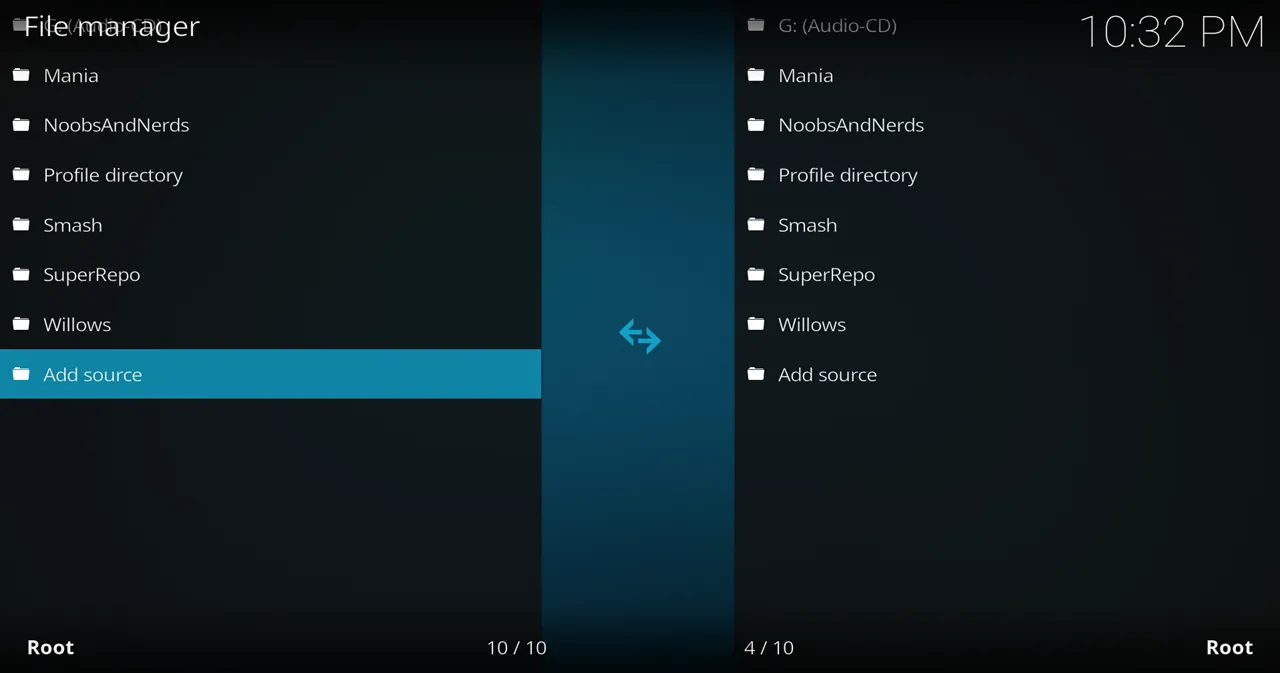
- Click on the <None> box and type in the URL of the repo server, exactly like this (case-sensitive):
https://kinkeadtech.com/repos
Hint: If you’re on a phone and the URL is too long, swipe sideways.
- Give it a name in the box below (name it KinkeadTech)
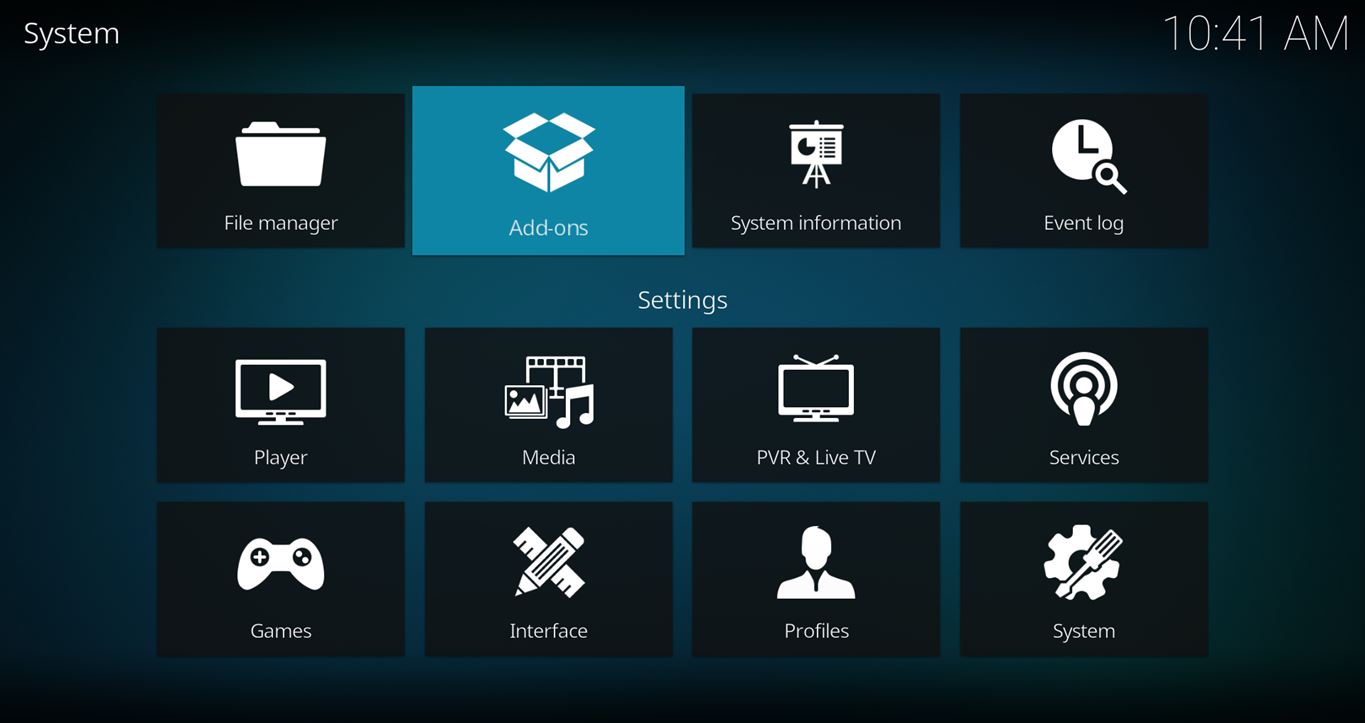
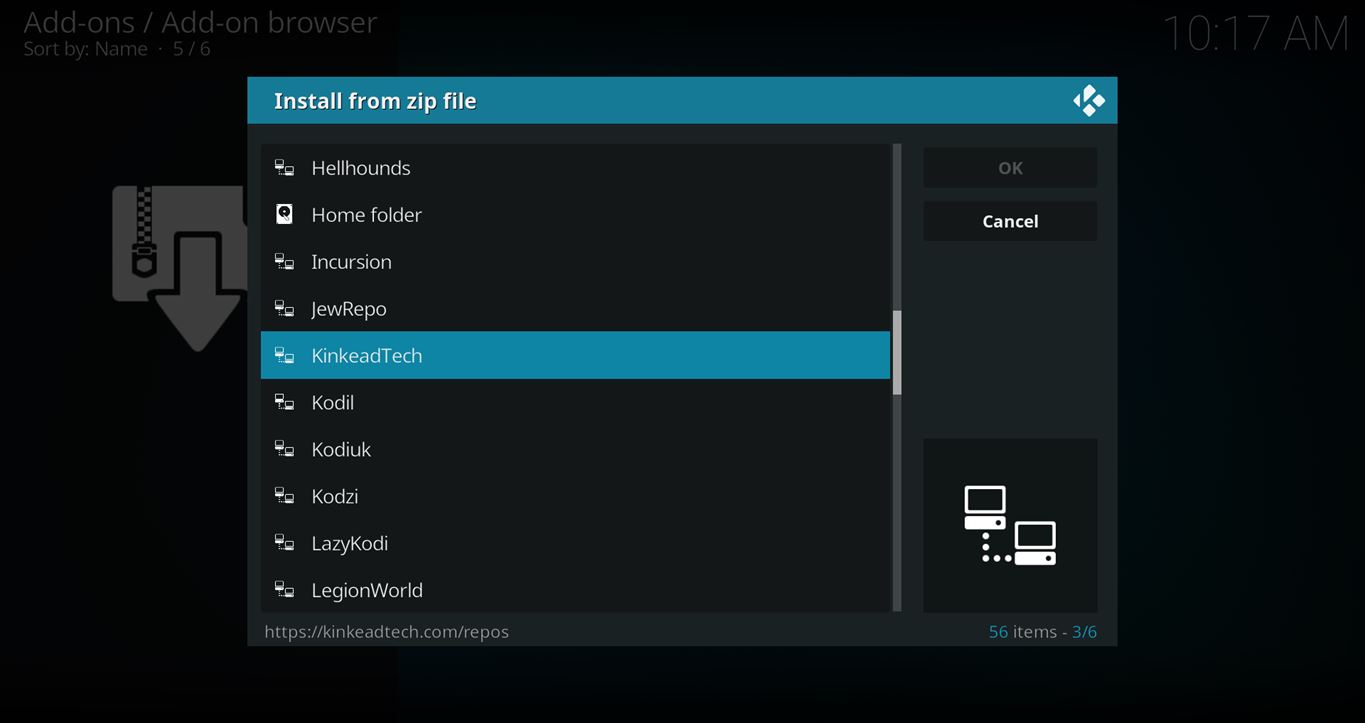
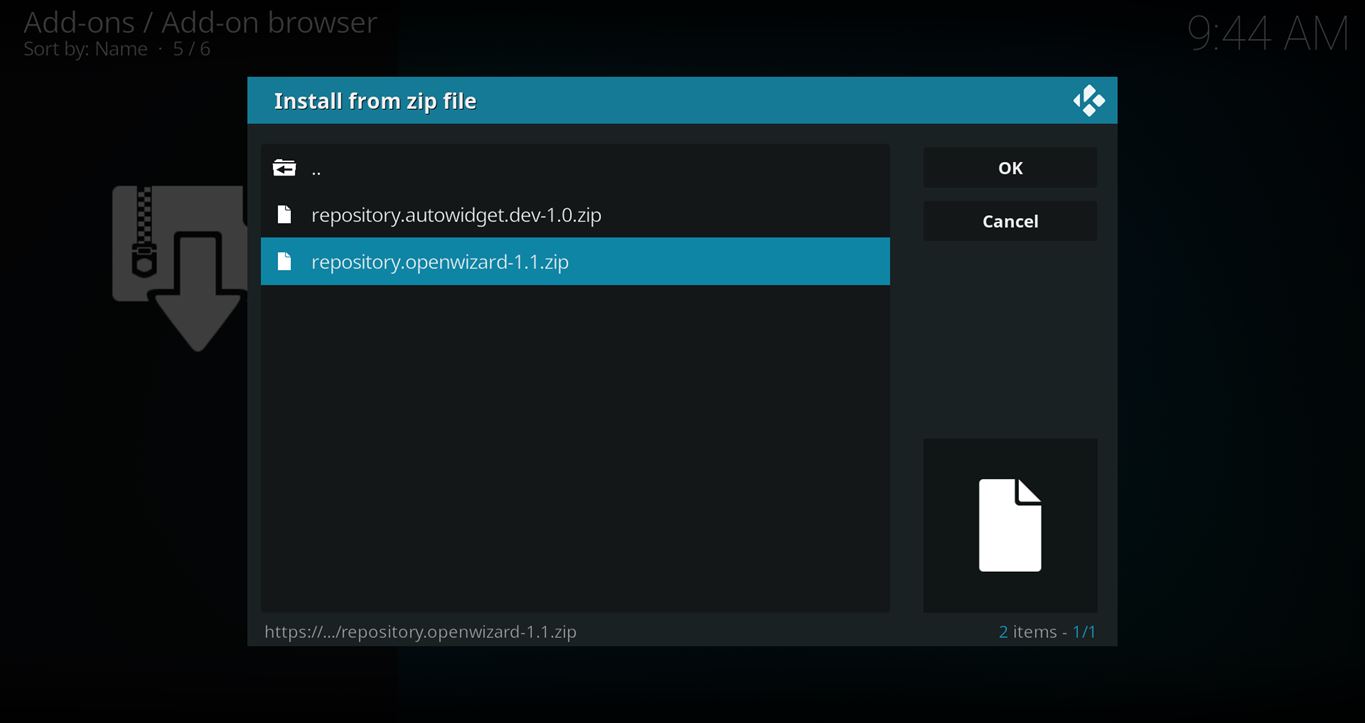
- Now, go to the Settings > Add-ons > Install from Zip File > KinkeadTech > repository.openwizard-2.0.zip

How to Install the OpenWizard Add-on From the OpenWizard Repo
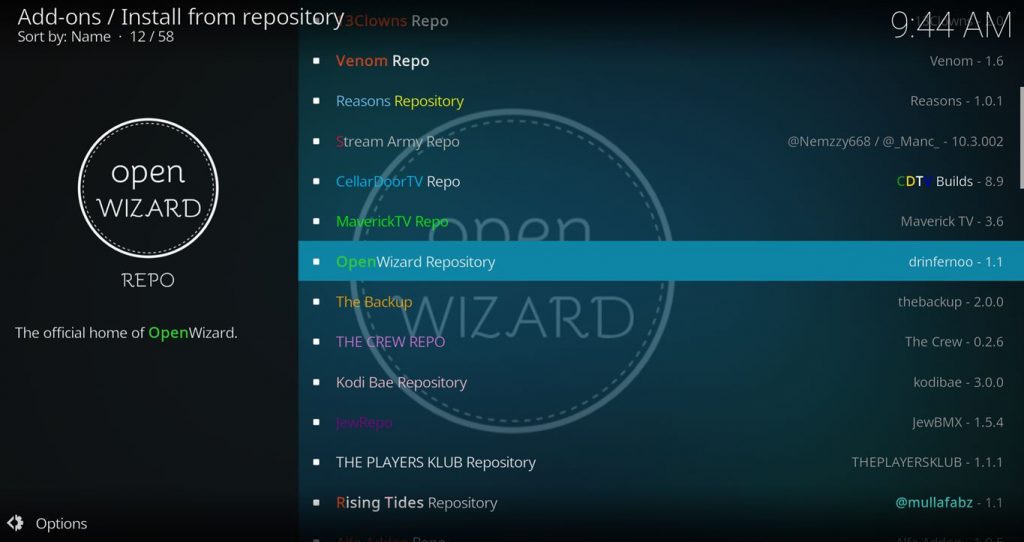
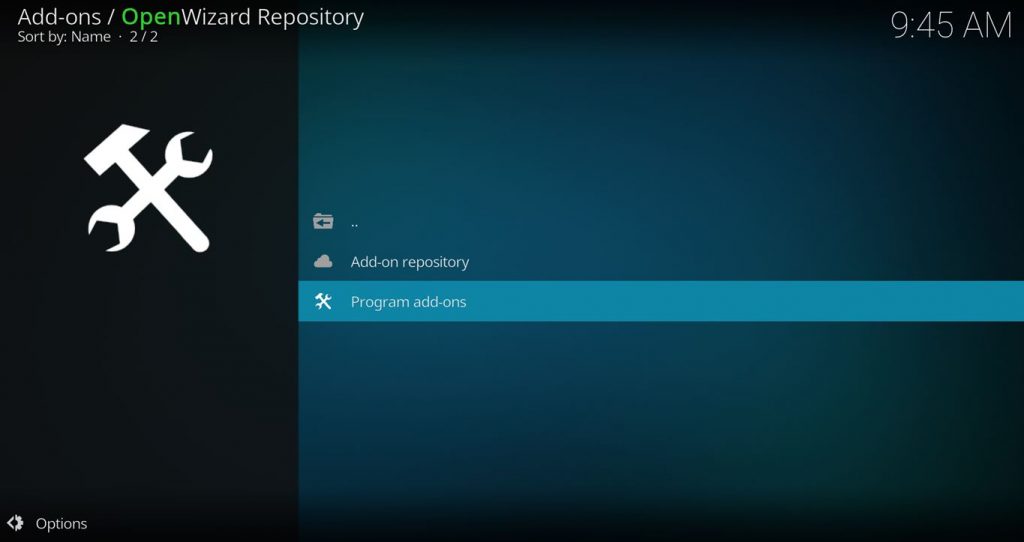
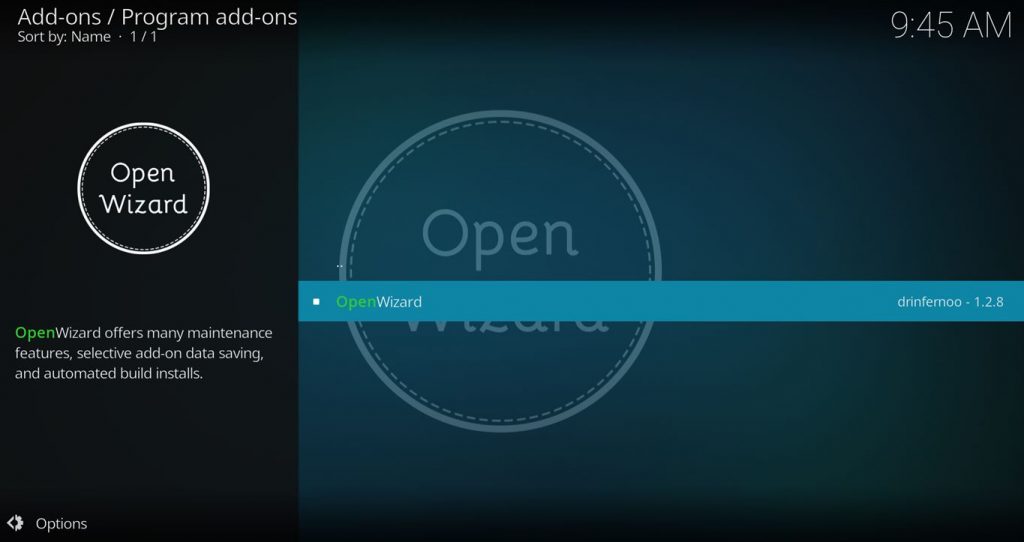
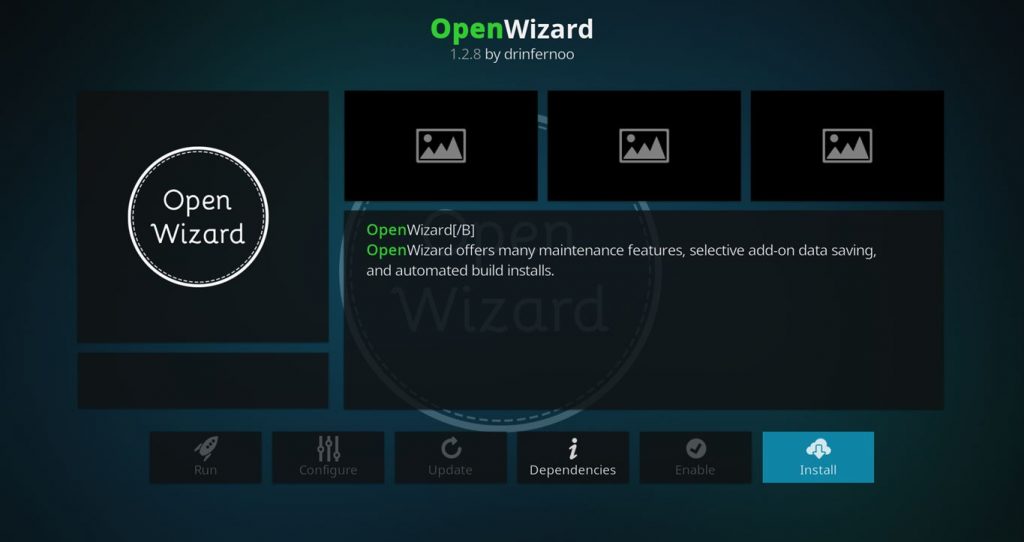
- After you have the OpenWizard Repo installed, go back to the Settings > Add-ons screen and select Install from Repository > OpenWizard Repo > Video add-ons > OpenWizard > Install
Any Questions? Let me know
Thanks for coming to Kinkead Tech to learn how to install OpenWizard on your Kodi. If you enjoy my tutorials, please subscribe to my weekly email.
If you run into any issue when trying to install OpenWizard, please let me know in the comments below. I love to help. Thanks.


when I stream with add ons why does it take so long to save to the real-debrid cloud and some times it just wont play the movie is there a setting that I dont have on within the app Im lost please help Im on a powerful computer with windows 10 and a fast internet connection
I also have wondered about the saving to Real-Debrid cloud. I’ve done it before and it always looked like it did nothing. But, when I think about it, it’s probably downloading the whole video onto the Real-Debrid cloud servers which I’m sure would take a little while. Maybe I haven’t been patient enough. Does it ever show up for you even if you check much later?
I did everything, but was unable to have it show up in to install it
You’re going to have to try and describe where you’re having trouble.
your instructions say go to Google Play Store and download the AFTV esfile, then the downloader, I don’t even see either one at google play..when I tried to just download it like I used to, it kept going to amazon for downloading the downloader and I can’t do that, I am trying to put those 2 apps on my android tv box..thanks for any help.
Ok, first of all, it sounds like you’re commenting on a post that is unrelated to what you are trying to do. This post is about the OpenWizard add-on, but sounds like you’re trying to install Kodi on a Fire Stick?
Secondly, if that’s what you’re trying to do, then if you happen to have Google Play Store (because you or someone else side-loaded it), then you can simply install the Kodi app from there. The reason for the Downloader app and all that is to work around not having the Google Play Store on Fire TV devices.
I downloaded ok,but i can’t get any further.do i have configure any thing.thanks
What are you looking to do? Please elaborate on “get any further”.
thanks for your reply.I’m trying too get a programe to get 50s and 60s tv serials.Ive clicked on everthing in main menu but can’t get any further.
I think you are confusing this add-on with another. This is a utility add-on which give you Kodi maintenance features. If you are looking for TV shows, you need to use one of the other streaming add-ons.
https://kinkeadtech.com/best-kodi-streaming-addons/
thanks
I am new to all this, but do you have any information on how to use or describe certain areas
Hi Nathan, thank you for this awesome tutorial. I had sucessfully installed your repo and able to view all zip files but not able to download the OpenWizard. I had tried both version and still failed. I also tried on TheCrew but failed too. Please advice. Thank you
I just tested both of those and they appear to have worked. Did you get an error message?
Thank you for your quick reply.
I will try again.
Best Regards
Hi Nathan !
Nice tracker you have for Kodi addons !
Question on OpenWizard cleaner:
What does the Whitelist do here?
Is this for backups and fresh installs?
Or, if I don’t include all the addons, these add-ons would then be deleted upon next boot?
I got 180 addons/scripts listed and it is a pain since there is no All or None button- drinfernoo stopped development last month and hasn’t replied this GitHub inquiry.
Please help …
Yeah, drinferno transferred ownership of the OpenWizard add-on to the a4k-openproject. I updated the connection on my tracker to track that github repo now.
Anyway, the add-ons whitelist basically lets you specify a list of add-ons that won’t get wiped if you do a fresh start wipe or a build install using OpenWizard.