
If you have a WordPress website or blog and you’re looking for some plugins to help with your social media marketing efforts, I’ve got some tips for you.
I went through the process of researching and comparing plugins for various purposes, and I would like to share my results. These are my recommended free social plugins for WordPress because I use them myself.
Buffer My Post
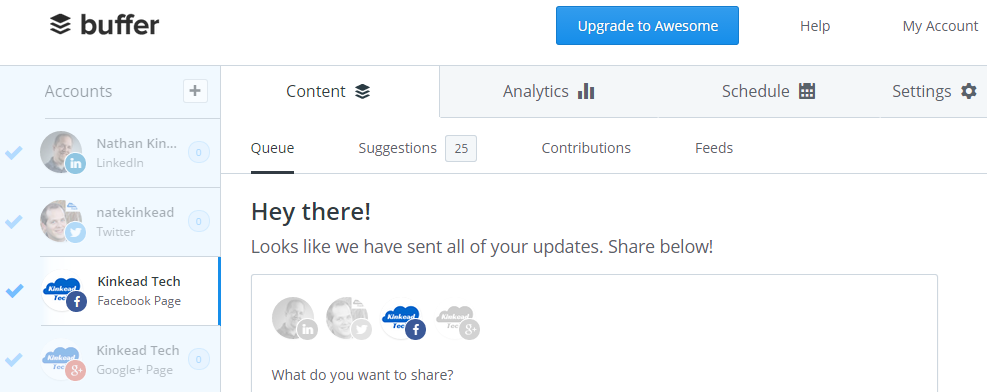
If you haven’t tried BufferApp, I suggest you give it a try. It’s a super simple way to post to Facebook, Twitter, Google+, and LinkedIn all at once, but instead of blasting them immediately, you can set up schedules for when to share post in your queue to each of the social networks. That way, your social media engagement is more staggered and consistent rather than short bursts of lots of posts followed by gaps of silence.
Anyway, the Buffer My Post plugin for WordPress allows you to automatically feed your posts into your Buffer account.
By the way, this was the only way I ever figured out how to automatically share my WordPress post to Twitter and have the featured image show up as a photo card as opposed to just a plain text tweet.
One thing to note is that this plugin is intended more for resurrecting old content at random and sending it to Buffer. I’ve done that for a while, but then stopped because it does seem a bit spammy. I eventually configured it to only post the previous day’s post, that way I won’t get duplicate posting anymore.
Triberr
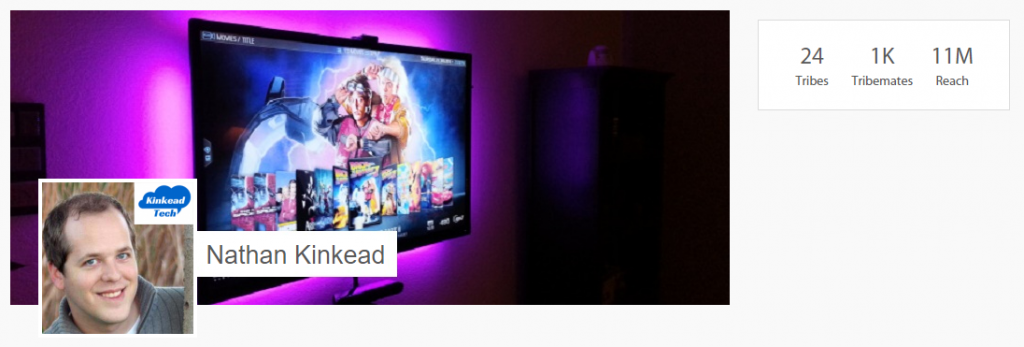
While Triberr has a plugin which is required to connect it to your blog, this pick is more about the 3rd party site of Triberr.com and what it can do for you in terms of getting things moving on the social front.
Triberr is basically a social network of bloggers who read and share each other’s content. The site is based on the concept of reciprocity, meaning I’ll share people’s content because they’ll share mine.
Anyone can start a Tribe and give it a name and description to define the niche. Then you can invite other similar bloggers in your niche or others can join and request to be a member. People who join will see that Tribe’s content in their stream. People who are members get their content included in the Tribe’s stream.
As you browse through your stream (aggregate of all your Tribe’s streams), you can hover over the authors to see if they’re actively sharing other members’ content.
In my experience, it brings in 10-20 social shares per post as long as I’m also sharing some content from Triberr.
Mashshare
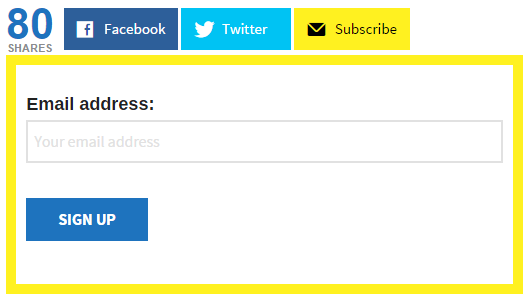
There are a ton of social sharing plugins out there for WordPress. To be honest, WordPress.com’s Jetpack plugin has a perfectly capable and nice looking social sharing feature. You can configure it how you like (my favorite is the icon only) and it even shows the number of shares on each of the social networks.
However, Mashshare stood out to me as a great alternative mainly in the look of it. It’s designed to look like the social sharing feature on Mashable.com in the way that it shows the total number of shares in a big number next to the sharing buttons. It has lots of settings and even allows you to have your own custom code for the “Subscribe” button’s accordion area.
The only downside is that you’re limited to Facebook and Twitter. However, there’s room to argue that fewer options is better.
Tweet This

A good way to get people to tweet a link to your website is to offer them some text that they can tweet and make it so easy that they don’t even have to copy and paste. The Tweet This plugin does that very well.
When writing your post, use the toolbar button to instead a Tweet This shortcode. You can specify what the pre-filled text should be. I creates a nice looking widget embedded into the content of the page that gives your users an easy, actionable prompt to tweet.
Social Locker

When your content is so helpful to people that they would be willing to reciprocate that help back to you, you might want to take advantage of that. Some of my tutorials guide people through a setup process, but then there’s some gem that goes above and beyond to make it even easier for people. Maybe it’s a file to download, or maybe it’s just a piece of information.
The Social Locker plugin allows you to lock a section of your content requiring that users must share that page on a social network in order to reveal the hidden content.
Disqus
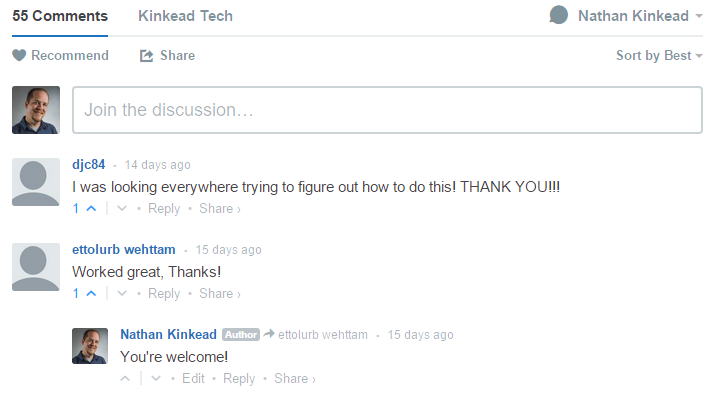
I know this doesn’t exactly fit into the topic of “social”, but honestly, a lot more discussion happens on my website comments than on social media. There’s something to be said for the topical conversation happening on the page where the information is presented.
There are a few good commenting systems out there besides the WordPress out-of-the-box comments. The options are…
- WordPress.com’s Jetpack
- Livefyre
- Disqus
All of these are perfectly capable contenders. I originally used Jetpack, but eventually switched to Disqus. I really like the clean interface of Disqus, and also it’s so popular that most people who tend to comment on sites already have a Disqus account (maybe even already logged in) making it as frictionless as possible.
Want More WordPress Tips?
Check out my other blog, WPForTheWin.com, for my best tips to supercharge your WordPress site.


[…] If you have a WordPress website or blog and you’re looking for some plugins to help with your social media marketing efforts, I’ve got some tips for you. I went through the process of researching and comparing plugins for various purposes, and I would like Kinkead Tech […]