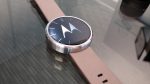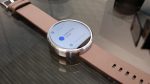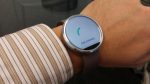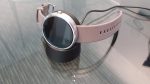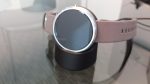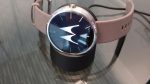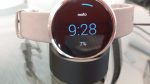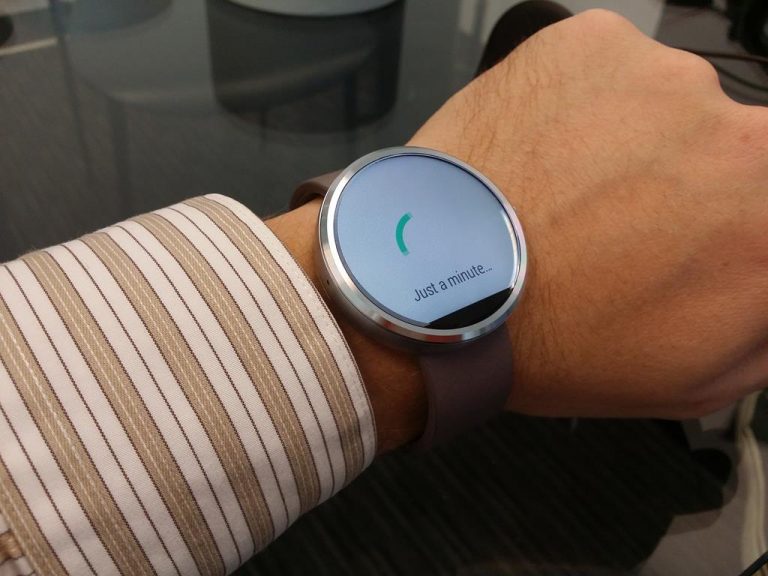
I was so excited to finally get the Moto 360 Android Wear watch. I unboxed the appropriately circular packaging taking pictures all the while.
I had high hopes for a seamless out-of-the-box experience, but unfortunately had to work through some bumps along the way to get the Moto 360 up and running smoothly. Hopefully this post can help anyone else running across the same issues.
But, before we get into the issues, here are some unboxing photos (in a circular photo gallery).
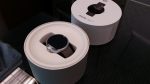
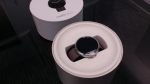
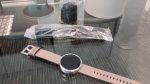
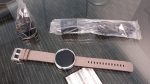
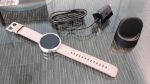
Well, that was fun… now let’s get on with it.
Fully charge the Moto 360 before using it
When you first turn on the Moto 360, the battery will train ridiculously fast. Mine said 24% when I first booted up and set my language, but after 2 minutes of sitting at the “Just a minute” screen, it was dead.
You have to charge the watch to at least 80% before it will have enough juice to make it through the setup process and system update.
Charge the Moto 360 while it’s off
Only during this initial setup, you may have an issue where it drains faster than it charges. If that happens, turn the watch off (by holding the button and going to power off) and charge it while it’s off. Beware, it will periodically turn itself back on, so have it nearby and keep turning it back off until the charge is at least 80%.
When it has enough power, then you can leave it on and let the process finish. Once you can see the watch face, the Moto 360 will start charging like normal.
If all else fails, reset the device
If you still have any issues, remember you can always reset the Moto 360 by holding the button and tapping “Reset device”. In my case, something got messed up due to the power dying during the setup process. After I reset, it worked fine.