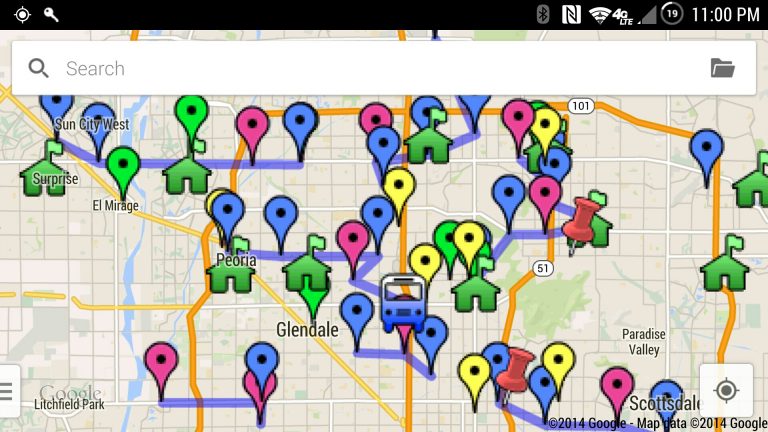
If you’re doing some travelling, and you use Google Maps, here are a couple of cool tricks for you. You can make your own custom maps for planning and preparing for your travel itinerary, and also in retrospect to see where you’ve been.
Make Your Own Maps
There is a My Maps web app from Google which basically lets you create your own layers over Google Maps using pins, lines, and shapes.

The possibilities with this are endless. If you plan on doing sight-seeing, place a pin for each of the places, then draw lines between them to determine a logical order.
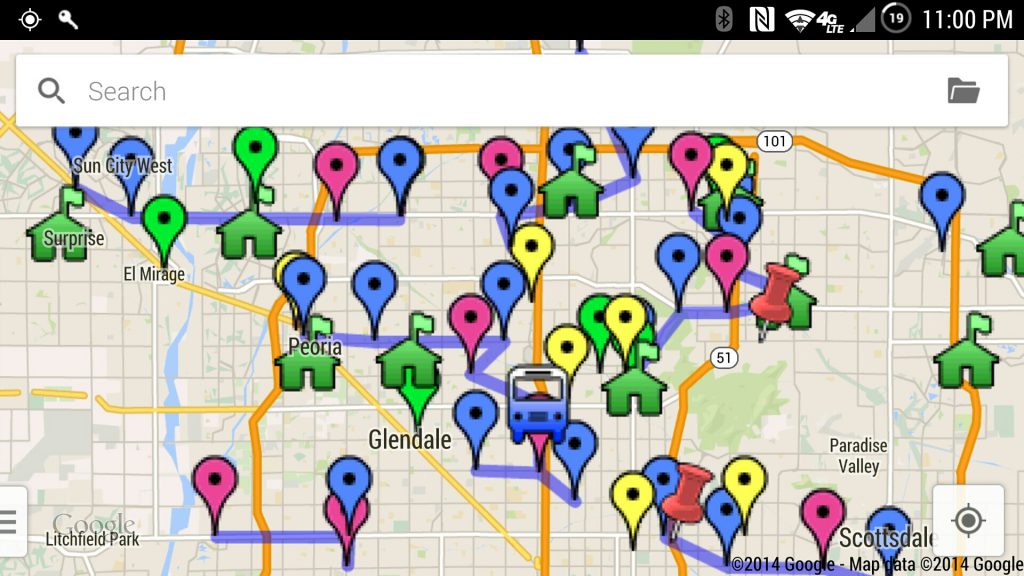
There is also an Android app called “My Maps” which was recently renamed from “Maps Engine”. It allows you to access these same custom maps from your phone. This is very handy, especially when you’re on the go.
See Where You’ve Been
The other cool trick is the ability to see your location history on a map. If you’ve been sight-seeing around a big city like Manhattan, it’s nice to be able to pull up a map to see dots and lines to see where you’ve been.
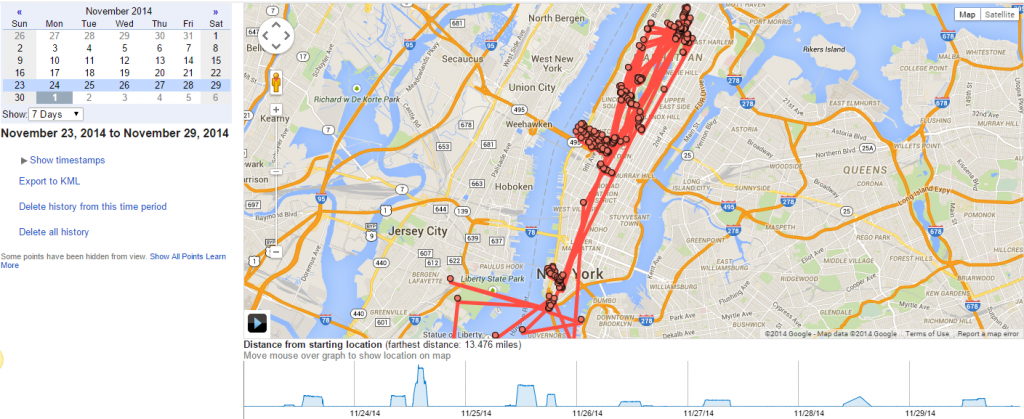
You can choose a day and select a number of days prior, and it will display the map of everywhere your phone has been during that time frame.
In order for this to work, you would need Google location reporting enabled on your phone.
Now get out there and see the world!


