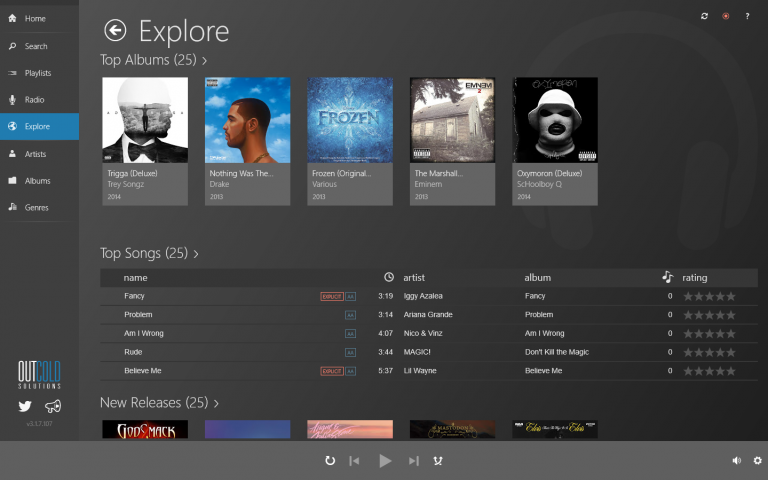
Ever since installing Windows 8 (from the Dev Preview days), I’ve been on a hunt for a good way to play music using my Google Play Music All Access subscription while having a nice Windows 8 app experience.
The biggest requirement was that I would be able to use the media keys on my keyboard to play, pause, and skip my music. When I get a phone call, or have someone walk into my office, I don’t want to have to scramble and find my Google Play Music tab in Chrome and then aim my mouse at the pause button. It’s so much better to be able to just hit the pause key on my keyboard.
I’ve tried every option out there, including this Google Music player for Windows that was basically just embedding the Chrome tab in an app (with some manipulation for custom styles, etc). The deal-breaker for that was that the keyboard’s multimedia keys were not working most of the time.
Then, I discovered the Outcoldplayer Windows 8 app. It is truly awesome. It has all of the features of Google Play Music in the browser, but in the nice native Windows 8 experience. Not only do the keyboard multimedia keys work, it actually shows the song title that you’re playing and the album art right next to the volume overlay.
If you have a Google Play Music All Access subscription and Windows 8, this app is well worth the money.


Sigh… Shame to see that Google has gone over to the dark side. I’m not paying them for refusing to support my platform of choice.